Building a stable and high-performance network is no longer just a tech enthusiast’s dream. For gamers, knowing how to build a gaming network at home can make a huge difference in reducing lag and enjoying smoother gameplay. A dedicated gaming network offers the speed and stability that typical home setups often lack.
Gamers benefit from a personal network in many ways. You can prioritize devices, tweak settings for low latency, and even run dedicated servers. Understanding how to build a gaming network at home ensures uninterrupted sessions, making every game more responsive and enjoyable.
This guide will show you everything you need, from essential equipment to configuration tips and server setup. Whether you’re a casual player or a competitive gamer, learning how to build a gaming network at home is the first step toward a faster, more reliable gaming experience.
What Is a Gaming Network?

A gaming network is not just any internet setup. While a standard home network allows you to browse, stream, and perform daily online activities, a gaming network is specifically optimized for low latency, minimal jitter, and stable high-speed connections.
Understanding how to build a gaming network ensures that your gaming sessions are smoother, faster, and free from frustrating interruptions.
Key Differences Between a Standard Network and a Gaming Network
Unlike typical networks, a gaming network focuses on performance rather than just connectivity. Here are the main differences:
- Latency-focused: Gaming networks prioritize low ping to reduce delay in online games;
- Stable bandwidth: High-speed internet is dedicated to critical gaming devices, avoiding drops during heavy usage;
- Traffic management: Quality of Service (QoS) settings help prioritize gaming traffic over downloads or streaming.
By learning how to set up a home network for gaming, you ensure that these differences are applied correctly, providing a better overall experience.
Technical Requirements for a Gaming Network
When building a gaming network at home, certain technical metrics are essential:
- Low Latency: Aim for under 30ms for competitive games;
- Minimal Jitter: Variations in delay can affect real-time gameplay;
- High Download and Upload Speeds: Sufficient bandwidth ensures smooth multiplayer performance;
- Reliable Wi-Fi or Wired Connection: Knowing how to get WiFi at home or using Ethernet can make a huge difference.
Additionally, understanding how to set up internet at home and how to get internet at home with consistent speed is crucial. Proper planning and equipment selection are key steps when learning how to build a gaming network that meets these requirements.
Essential Equipment for Your Gaming Network
Setting up a gaming network at home requires the right hardware. Knowing how to set up a home network properly ensures that you get the most out of your internet connection while minimizing lag and interruptions. From routers to cables, every piece of equipment plays a critical role in delivering a smooth gaming experience.
Routers, Switches, and Cables
The foundation of a gaming network starts with a good router. Gaming routers are designed to handle high-speed connections and offer features like Quality of Service (QoS) and multiple antennas for better signal coverage.
Along with routers, using Ethernet cables for wired connections reduces latency and prevents interference common in Wi-Fi setups. Switches can also expand your wired network, allowing multiple devices to connect simultaneously without losing performance.
Knowing how to get WiFi at home is also important if you rely on wireless connections. For areas where wiring is impractical, high-quality Wi-Fi adapters and mesh networks can maintain stable speeds, though wired connections are generally superior for competitive gaming.
Wired vs. Wireless Connections
Understanding the differences between wired and wireless connections helps you optimize your network:
- Wired (Ethernet): Offers lower latency, higher reliability, and less interference;
- Wireless (Wi-Fi): Provides convenience and mobility but may experience fluctuations in speed and stability.
Equipment Recommendations by User Level
Choosing the right equipment depends on your gaming needs and experience level. The table below provides guidance on which routers, switches, and cables are best suited for beginners, intermediate players, and advanced gamers.
Following these recommendations will help you optimize your network and understand how to set up a home network tailored to your setup.
| User Level | Recommended Router | Recommended Switch/Cable | Notes |
| Beginner | Standard dual-band router | Basic Ethernet cable | Suitable for casual gaming |
| Intermediate | AC1900/AX router | Gigabit switch | Supports multiple devices |
| Advanced | Gaming router with QoS | Cat6/Cat7 cables | Optimized for competitive gaming |
By selecting the right hardware and learning how to set up a home network, you ensure that your gaming devices perform at their best. Combining wired connections with reliable Wi-Fi, when needed, allows you to maintain low latency and high speeds throughout your home.
Recommended Configurations for Your Gaming Network
Setting up your network correctly is just as important as having the right hardware. Learning how to set up internet at home for gaming ensures low latency, minimal interruptions, and the best possible performance for all connected devices.
Configurations such as Quality of Service (QoS) and device prioritization are essential to optimize your gaming experience.
Quality of Service (QoS) Settings
QoS allows your router to prioritize gaming traffic over other types of network activity. By enabling this feature, your network can automatically allocate more bandwidth to consoles, PCs, or specific games, reducing lag during critical moments. Knowing how to set up a home network properly means you can configure QoS without affecting other devices.
Device Prioritization
Prioritizing devices ensures that your main gaming setup receives the fastest and most stable connection. For households with multiple users, this step is crucial. Whether you use wired Ethernet or Wi-Fi, understanding how to get WiFi at home efficiently will help maintain strong performance across all devices.
Step-by-Step Setup for Optimal Gaming Performance
Follow these steps to configure your gaming network at home:
- Access your router settings: Typically via a web browser or mobile app;
- Enable QoS: Look for “Gaming Mode” or “Device Priority” options;
- Select your primary gaming devices: Assign higher priority to consoles or PCs;
- Adjust bandwidth allocation: Allocate more upload and download speeds for gaming traffic;
- Save and reboot: Apply the settings and restart your router for optimal performance.
Combining this with proper equipment from the previous section maximizes your network’s potential and reduces lag in multiplayer games.
Creating a Local Gaming Server

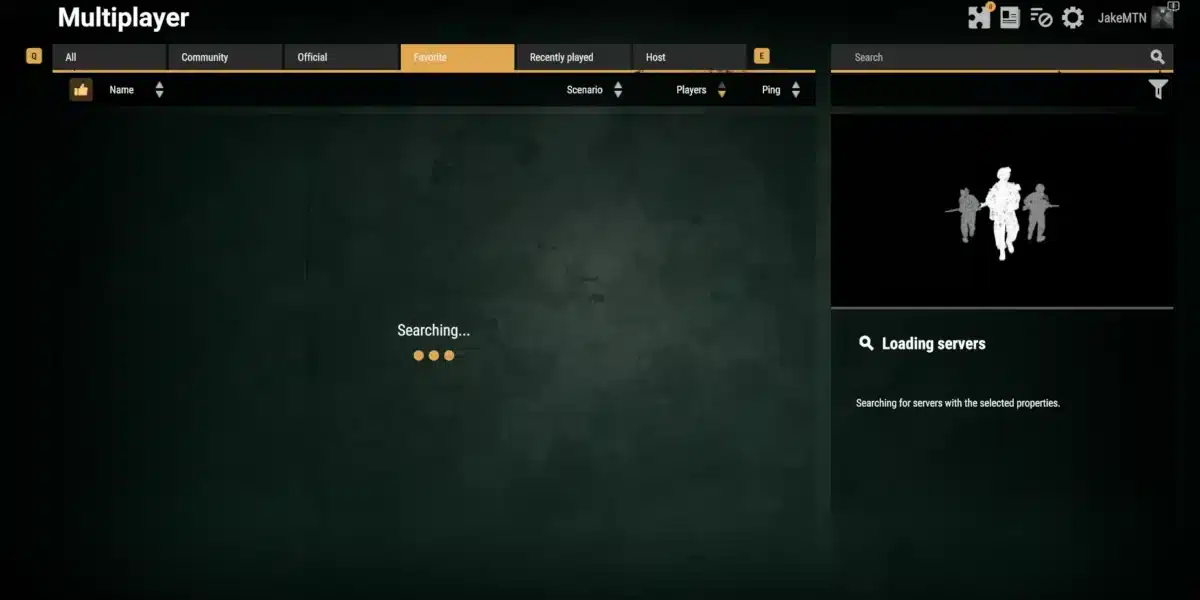
For serious gamers, knowing how to build a gaming network at home isn’t complete without considering a local server. Setting up a server at home can drastically improve your gaming experience by reducing latency and giving you full control over your network environment.
When to Consider a Local Server
Building a server at home is ideal if you:
- Play multiplayer games with friends regularly;
- Want minimal lag and consistent performance;
- Need a controlled environment for testing or hosting game sessions.
Understanding how to get internet at home with sufficient speed and stability is crucial before attempting a local server setup. This ensures your server can handle multiple connections without bottlenecks.
Benefits of a Home Gaming Server
Running your own server offers several advantages:
- Minimal Latency: Direct connections to your server reduce delays;
- Full Control: Customize settings, mods, and access for your gaming sessions;
- Reliability: Avoid dependence on external servers that may have downtime.
Step-by-Step Guide to Build a Server at Home
Once you have decided to set up a local gaming server, following a structured process ensures everything runs smoothly. The steps below will guide you through hardware selection, software installation, and network configuration, helping you build a server at home that integrates seamlessly with your gaming network.
- Choose your hardware: A dedicated PC or NAS device is recommended for stability;
- Install server software: Depending on the game, use tools like SteamCMD, Minecraft Server, or dedicated game server apps;
- Configure network settings: Open required ports, assign a static IP, and enable QoS for the server device;
- Test connectivity: Ensure all devices in your gaming network can access the server smoothly;
- Maintain and monitor: Regular updates and monitoring help keep the server running efficiently.
Learning how to set up a home network correctly and how to get WiFi at home efficiently will further enhance your server’s performance.
FAQ
To build a gaming network at home, combine high-speed internet, a gaming router, and proper configurations like QoS. Prioritize gaming devices for the best performance.
You need a gaming router, Ethernet cables, switches, and optionally, a local server. High-quality Wi-Fi adapters can help if wired connections aren’t feasible.
Contact a reliable ISP and choose a plan with sufficient bandwidth. Knowing how to set up internet at home and use wired connections can further enhance speed.
Yes. You can build a server at home using a dedicated PC or NAS device, install game server software, configure ports, and prioritize traffic via your network.
Use wired connections, enable QoS, close background apps, and ensure your router firmware is updated. Learning how to set up a home network properly also helps minimize lag.
Conclusion: Boost Your Gaming with a High-Performance Network
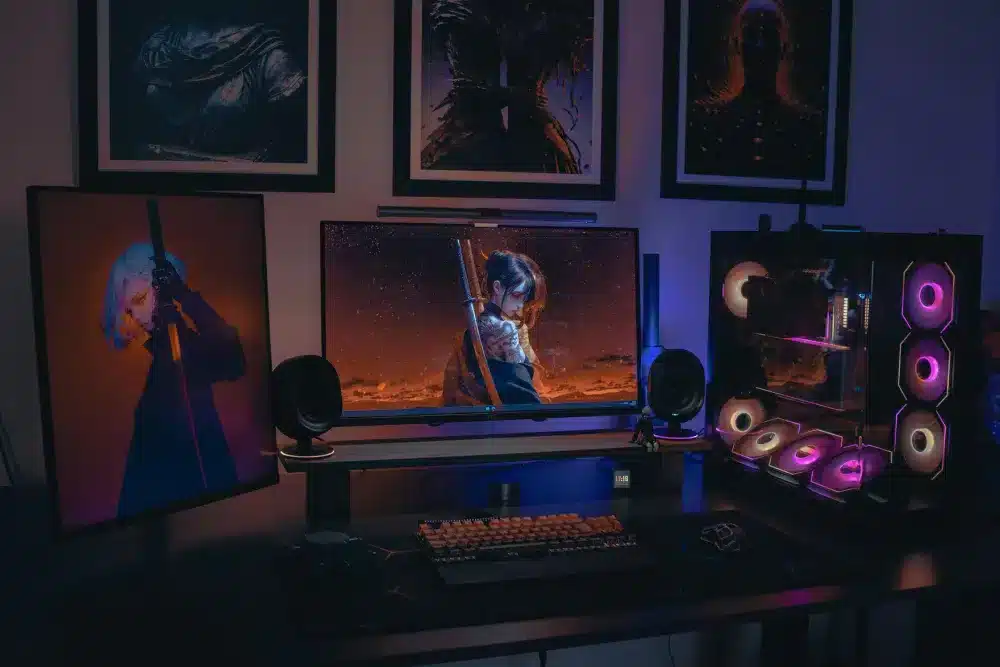
Setting up your own gaming network at home is a game-changer. By learning how to build a gaming network at home, you gain low latency, stable speeds, and full control over your devices.
Pairing a local server with the right configurations and equipment ensures every session is smooth, whether you’re playing casually or competitively.
ExitLag can further enhance your gaming experience by optimizing connections, reducing lag, and improving stability in online games. Don’t let slow connections hold you back.
Improve Your Connection Now with ExitLag
Got questions or want to connect with other players? Join the conversation at the ExitLag Forum!