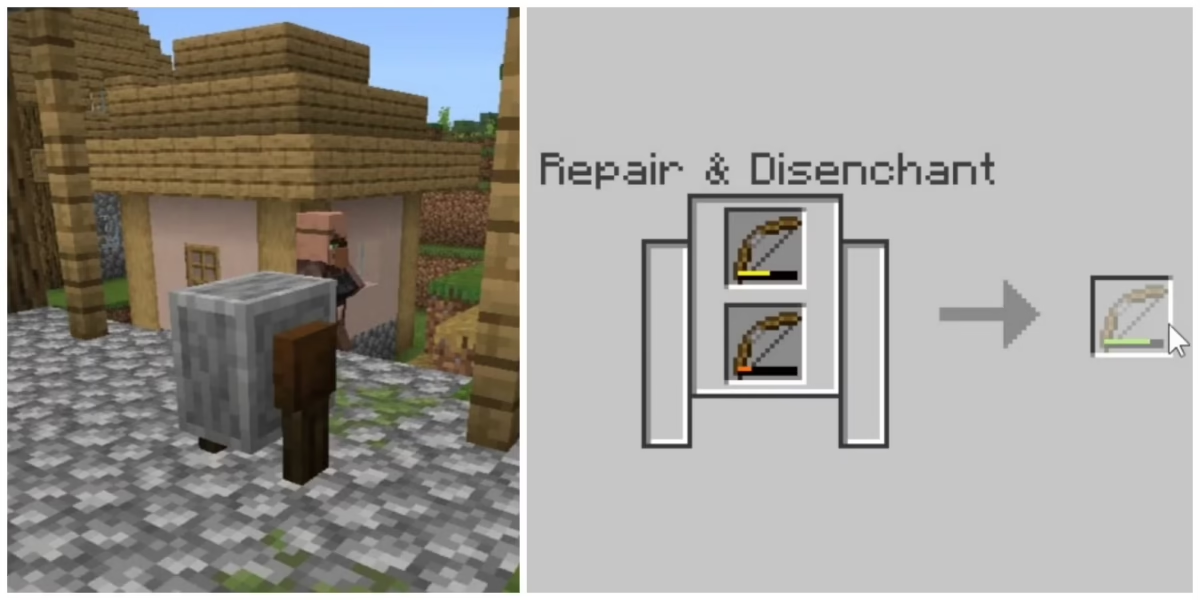
Minecraft blocks are the core building components of the game, offering endless possibilities for creation and exploration. From basic materials like the Minecraft grass block and Minecraft dirt block to specialized ones like the Minecraft command block and Minecraft magnetic blocks, every block serves a unique purpose.
In this complete guide, we’ll explore all Minecraft blocks, detailing their categories and uses. We’ll cover the most useful blocks in Minecraft, like the Minecraft structure block, as well as the various Minecraft villager job blocks that can help you interact with the game’s economy. By the end of this article, you’ll have a thorough understanding of Minecraft blocks, and how to make the best use of them in your adventures!
Minecraft block categories will also be discussed in depth, giving you insights into how different types of blocks can transform your gameplay. Let’s dive in and explore the fascinating world of Minecraft blocks!

Types of Minecraft blocks
Minecraft blocks are incredibly diverse, and they can be categorized based on their function. Understanding the different types of blocks will help you choose the right one for your needs, whether you’re building structures, experimenting with redstone, or collecting natural resources.
Let’s break them down into four main categories: Construction, Technical, Natural, and Decorative blocks:
Decorative
Decorative Minecraft blocks are primarily used for aesthetic purposes in the game. These blocks are designed to enhance the look and feel of your creations, giving them more visual appeal.
| Block name | Function | ID |
| Wool | Used for coloring and decorating | minecraft:wool |
| Flower Pots | Used to display flowers and plants | minecraft:flower_pot |
| Bookshelf | Used for decoration and increasing enchantment power | minecraft:bookshelf |
Redstone
Redstone Minecraft blocks are essential for creating complex circuits and machines. They are used in various mechanisms and contraptions, often to activate or power other blocks.
| Block name | Function | ID |
| Redstone Ore | Used to mine redstone dust for redstone circuits | minecraft:redstone_ore |
| Lever | Used to activate mechanisms in redstone contraptions | minecraft:lever |
| Redstone Block | Acts as a power source for redstone systems | minecraft:redstone_block |
Indestructible
Indestructible Minecraft blocks are those that cannot be broken or destroyed by normal means. These blocks are often used for creating boundaries or areas that players cannot alter.
| Block name | Function | ID |
| Bedrock | Prevents players from accessing certain parts of the world | minecraft:bedrock |
| Command Block | Used for running commands in the game | minecraft:command_block |
| Barrier | Invisible block used in adventure maps to prevent access | minecraft:barrier |
Most useful Minecraft blocks
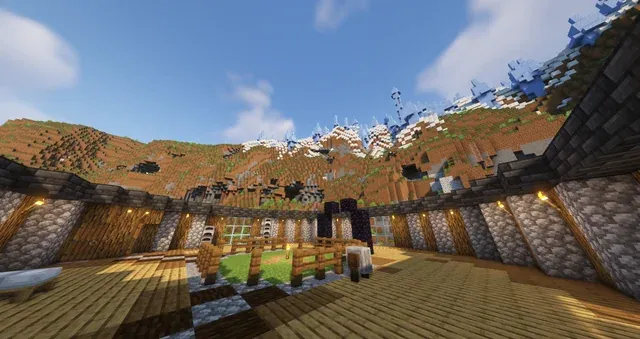
In Minecraft, certain blocks are invaluable for making progress in the game. Depending on your goals—whether you’re surviving, building, or farming—some blocks are more useful than others. Below, we list the most essential blocks, explaining their utility and why they’re considered must-haves for any player:
Survival
Survival mode requires efficiency and practicality, and these blocks are the best tools to help you endure and thrive in the world of Minecraft.
Crafting table
The crafting table is essential for crafting most items in the game. Without it, you can’t craft anything more complex than basic tools. It expands your crafting options, allowing you to create more advanced tools, weapons, and blocks.
Furnace
Used for smelting ores and cooking food. A furnace is crucial for refining materials, cooking food to restore health, and smelting ores like iron and gold to make stronger equipment.
Chest
A storage solution for items and resources. The chest helps you store surplus resources, which is vital for inventory management and survival.
Bed
Used to set spawn points and skip the night. It allows you to sleep through the night and reset your spawn point, which is vital for avoiding death and resetting your location.
Construction
Building in Minecraft requires creativity, but it also demands practical blocks that make the construction process smoother and more efficient.
Stone
Basic building material for creating structures. Stone is abundant and easy to mine, making it the perfect material for building durable structures.
Glass
Used for windows and other transparent structures. Glass adds aesthetic value to constructions, allowing you to create clean, transparent walls for viewing your surroundings.
Wood planks
Versatile building material for crafting furniture and structures. Wood planks are easy to gather and can be used to craft a variety of items, from building walls to making tools and furniture.
Brick blocks
Building material with aesthetic appeal and durability. Bricks give a unique texture and strength to your builds, often used in homes and other constructions requiring a stronger material than wood.
Farms
Farming is a core activity in Minecraft, providing food and resources necessary for survival. The following blocks are crucial for efficient farming.
Water
Essential for irrigating crops and growing plants. Water ensures that crops grow faster and more efficiently. It’s necessary for creating irrigation systems and supporting plant life.
Hoe
Used to till dirt for farming crops. A hoe is needed to prepare the ground for planting crops like wheat, carrots, and potatoes.
Composter
Used to turn plant-based materials into bone meal. It accelerates the growth of crops and can help replenish supplies quickly by converting waste materials into useful resources.
Bees (Beehive Block)
Provides honeycomb and promotes crop growth. Bees help with the pollination of plants, boosting the growth of crops, and they provide honeycomb, which can be used for crafting honey-related items.
Special blocks and commands in Minecraft
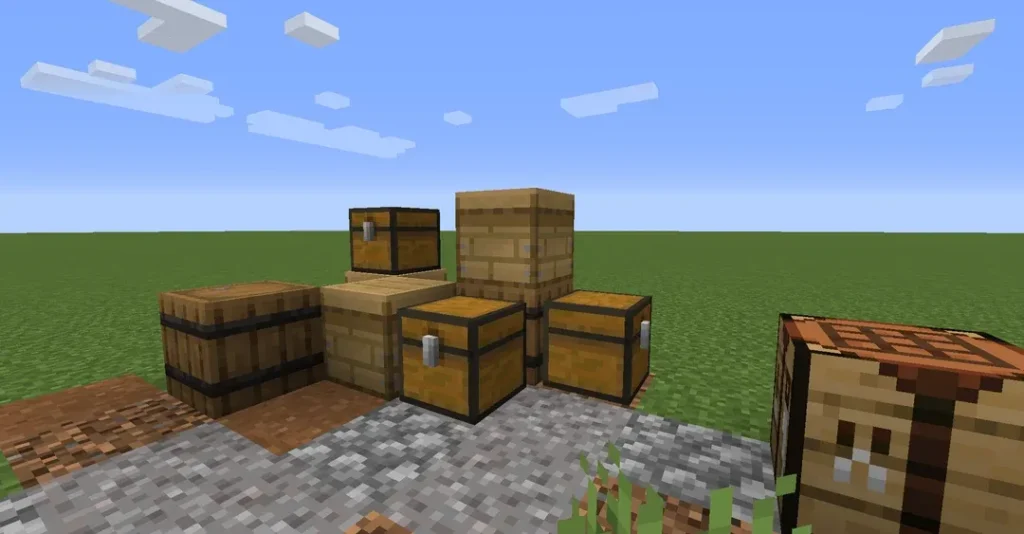
Minecraft offers a variety of special blocks and commands that can significantly enhance your gameplay. These blocks are not commonly used in regular survival mode but are essential for advanced players who wish to create custom structures, use commands, or experiment with redstone and game mechanics.
Here, we’ll explore some of the most useful special blocks—Command Block, Structure Block, Barrier, Light, and Debug Block—along with how to acquire and use them:
Command Block
The Command Block is a powerful tool that allows players to execute commands automatically in Minecraft. It’s used in adventure maps, custom game modes, and servers to create complex systems and automation.
Command Blocks cannot be crafted in survival mode. To get one, use the following command in creative mode: /give @p minecraft:command_block
Command Blocks are used to trigger specific actions or commands, such as teleporting players, changing weather, or spawning mobs. They are particularly useful for map creators and those looking to automate gameplay.
Structure Block
The Structure Block is used to save and load structures in the game. It’s particularly helpful for creating custom structures or copying and pasting large builds.
Like the Command Block, the Structure Block is not available in survival mode. You can obtain it through the following command: /give @p minecraft:structure_block
Structure Blocks are used to save and load buildings or structures that you’ve created. This allows players to transfer designs between worlds or create custom structures in their world.
Barrier Block
The Barrier Block is invisible and indestructible, making it perfect for restricting player movement. Players cannot see or break the Barrier block unless they’re in creative mode.
To get a Barrier Block, use this command: /give @p minecraft:barrier
Barriers are mainly used in custom maps or for creating invisible boundaries to prevent players from going beyond certain areas. They’re commonly used for adventure maps and challenges.
Light Block
The Light Block is an invisible block that provides light in the game. It’s mainly used for creating lighting effects in custom maps or for controlling light levels without visible light sources.
The Light Block is accessible through the following command: /give @p minecraft:light
Light Blocks can be placed to create ambient light without visible sources like torches or lanterns. They are useful for map makers who want to create specific lighting effects or maintain light levels in areas without visible blocks.
Debug Block
The Debug Block is used for in-depth debugging purposes in Minecraft. It’s mainly used by developers to test features, check for errors, and track the game’s internal processes.
You can obtain a Debug Block using the following command: /give @p minecraft:debug_block
The Debug Block is typically used by developers for testing or troubleshooting. It’s not something that regular players will often use, but it can be helpful in debugging custom mods, scripts, or gameplay features.
Aesthetic categories and palettes in Minecraft
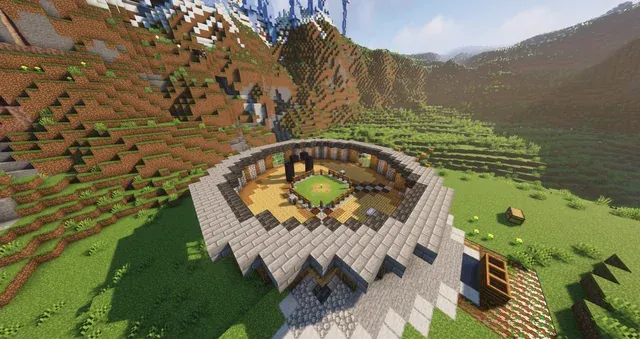
When building in Minecraft, aesthetics play a key role in how structures and environments feel. Minecraft blocks can be categorized by their color, texture, or style of construction to help create cohesive and visually appealing designs.
By using specific block palettes—a selection of blocks chosen for their color, texture, or visual synergy—you can make your builds stand out and fit specific themes or moods.
Blocks by color, texture, or building style
Minecraft offers a wide variety of blocks that fit different aesthetic needs. Whether you want a rustic wooden cabin, a sleek modern home, or a vibrant, colorful garden, there’s a palette that suits every design. Below are a few suggestions for creating aesthetic block palettes based on different styles:
Wooden and Natural Palette
This palette focuses on the warm, earthy tones of wood, leaves, and stone, perfect for rustic or natural builds.
- Blocks to use: Oak Planks, Birch Logs, Spruce Wood, Stone, Stone Bricks, Leaves, Mossy Cobblestone
- Style: Rustic, Organic, Cottagecore
- Use cases: forest cabins, log cabins, treehouses, villages
Modern Minimalist Palette
The modern minimalist style relies on clean lines and neutral colors, often using concrete and stone blocks for sleek, contemporary designs.
- Blocks to use: White Concrete, Light Gray Concrete, Quartz Blocks, Glass, Stone Slabs, Smooth Stone, Iron Blocks
- Style: Modern, Industrial, Contemporary
- Use cases: modern houses, skyscrapers, art galleries, contemporary landscapes
Fantasy and Medieval Palette
This palette brings a medieval or fantasy theme to life, with blocks that have a more aged or magical feel, like cobblestone, wood, and brick.
- Blocks to use: Stone Bricks, Cobblestone, Dark Oak Wood, Mossy Cobblestone, Nether Brick, Glowstone, Bookshelves
- Style: Medieval, Fantasy, Gothic
- Use cases: castles, dungeons, magical forests, enchanted buildings
Vibrant and Colorful Palette
For builds that need energy and fun, this palette uses bold, bright colors to make an impression. Perfect for gardens, playrooms, and vibrant cityscapes.
- Blocks to use: Wool, Concrete, Terracotta, Glazed Terracotta, Stained Glass, Sea Lanterns
- Style: Bright, Fun, Playful
- Use cases: theme parks, colorful houses, gardens, playgrounds
Rustic and Industrial Palette
The industrial palette uses rough, rugged blocks like iron, stone, and brick, creating a more industrial or steampunk look.
- Blocks to use: Iron Blocks, Brick, Stone Bricks, Dark Oak Wood, Polished Andesite, Iron Bars
- Style: Industrial, Steampunk, Urban
- Use cases: factories, power plants, factories, urban-style builds
Ready-made block palettes
If you’re looking for inspiration or ready-made palettes, several tools and resources online provide pre-selected block palettes designed for specific styles.
One such tool is the Block Palette Generator, which allows you to choose blocks based on your desired color theme, style, and texture. These generators can help you create harmonious combinations that will elevate the look of your builds.
This tool helps you select blocks that complement each other and gives you suggestions on how to mix colors and textures for the perfect aesthetic effect. You can also browse through user-generated block palettes, which may inspire you or save you time when building your next project.
Conclusion
All blocks in Minecraft are not just essential for building structures and progressing in the game; they are the foundation of creativity and design.
By understanding the various Minecraft blocks available and how to categorize them by color, texture, or building style, you can unlock endless possibilities for your builds. Whether you’re creating a survival base, a sprawling city, or a fantasy castle, choosing the right blocks and palettes will help you bring your vision to life.
If you’re an avid Minecraft player who enjoys exploring and building in multiplayer servers, ensure your gameplay is as smooth as possible with ExitLag. It optimizes your connection to game servers, reducing lag and providing a much more stable and enjoyable experience, especially on large servers where performance matters most.
Ready to take your Minecraft blocks experience to the next level? Try ExitLag for optimized server performance and start creating your best builds today!
FAQ
What is the most useful block in Minecraft?
The Crafting Table, Furnace, and Chest are essential for survival, while Command Blocks are key for automation and redstone builds.
How to get a command block in Minecraft?
Use the command /give @p minecraft:command_block in Creative mode to obtain a Command Block.
What blocks can cave spiders not climb in Minecraft?
Cave spiders cannot climb glass, slabs, stairs, iron bars, and trapdoors.
What are Minecraft blocks you can walk through?
You can walk through glass, leaves, slabs, carpet, tall grass, and vines.
How many types of blocks are there in Minecraft?
There are over 150 types of blocks in Minecraft, including building, natural, utility, redstone, and decorative blocks.
Got questions or want to connect with other players? Join the conversation at the ExitLag Forum!