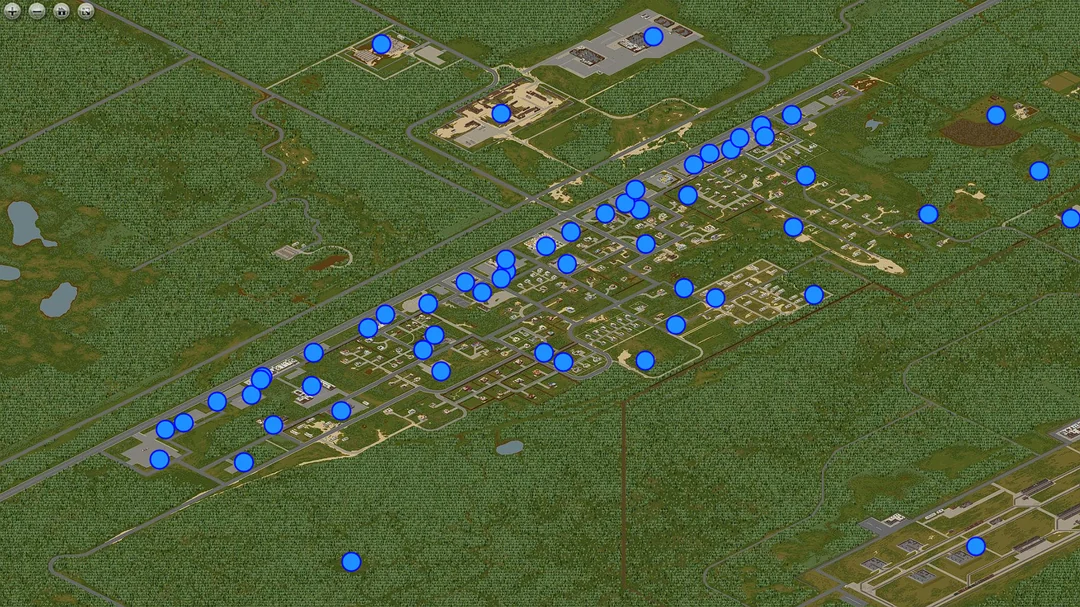
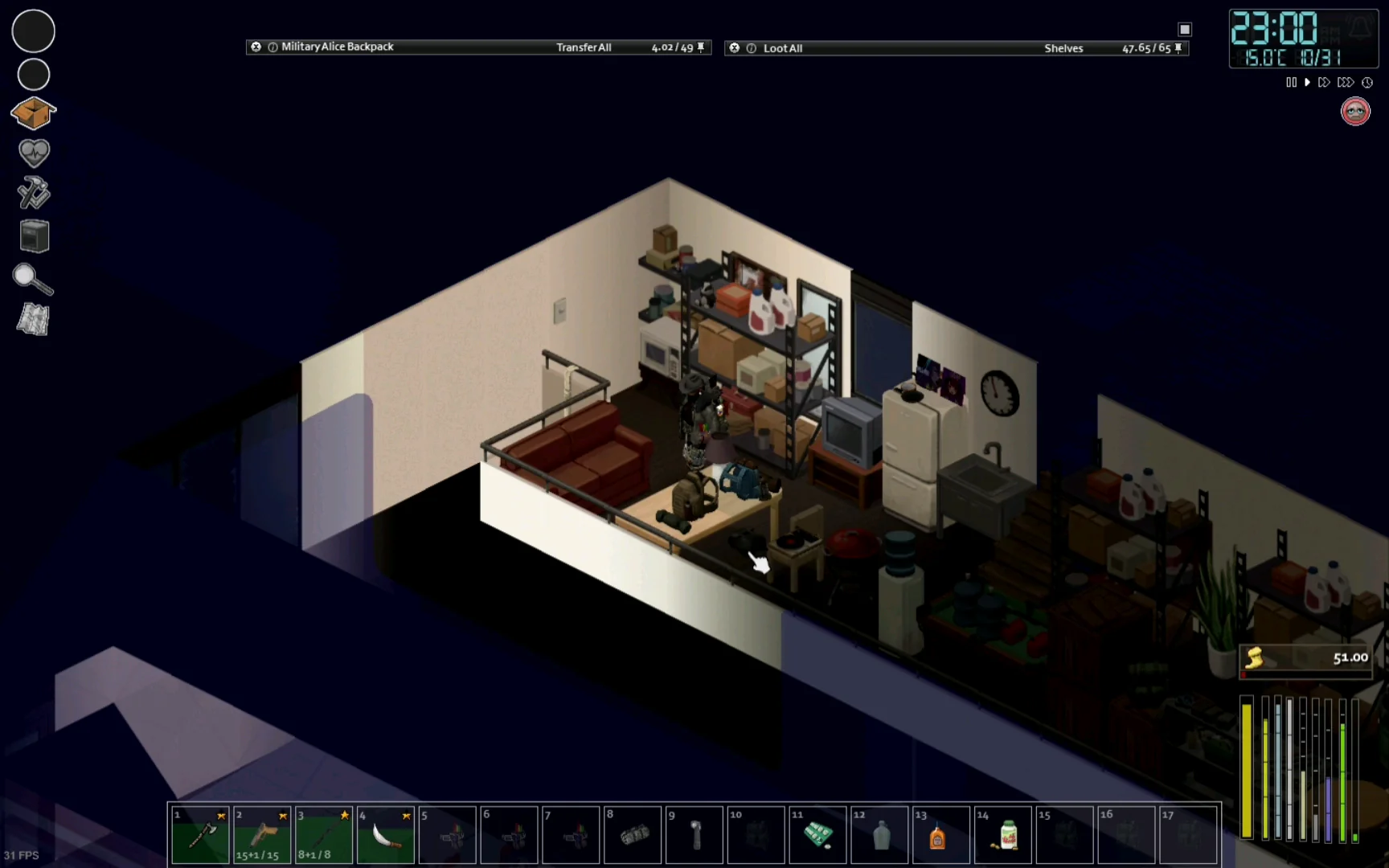
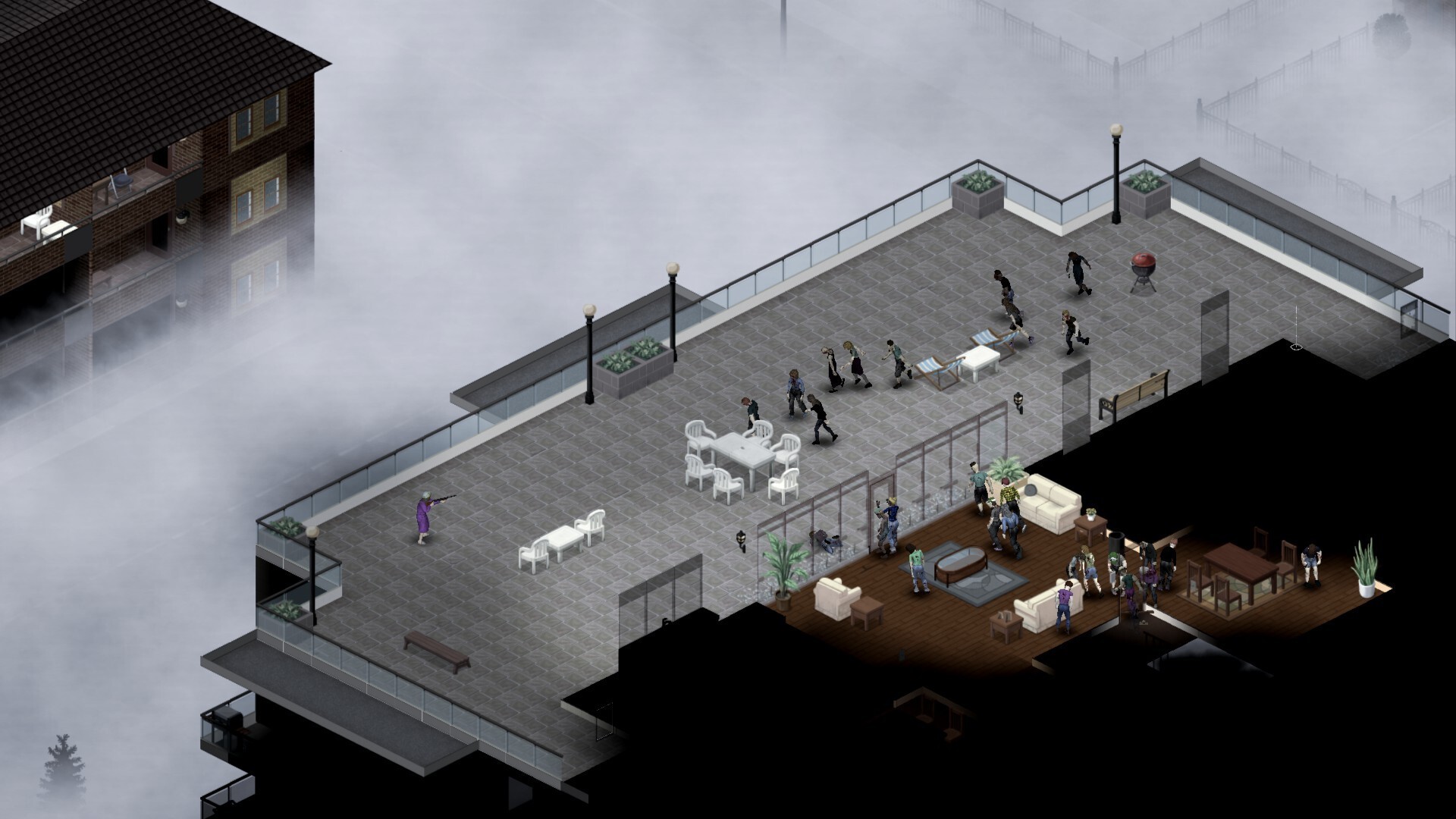
When it comes to Project Zomboid server gameplay, multiplayer survival transforms the game into a completely new experience. Instead of facing zombies alone, players gather in communities, create factions, or battle against hordes in persistent online worlds. Whether you’re hosting a private world for friends or running a large dedicated server Project Zomboid community, mastering server setup and management is essential.
In this guide, we’ll explore hosting Project Zomboid server options, how to fix common issues like “file doesn’t exist on the server”, and why many communities rely on third-party network optimization services to stabilize performance during multiplayer sessions.
What Is a Project Zomboid Server?
A Project Zomboid hosted server is essentially your own multiplayer world where players connect and survive together. Servers can be small private games between friends or large, modded communities with hundreds of active survivors.
- Where to host Project Zomboid servers?
You can host directly on your PC, rent a professional Project Zomboid server hosting provider, or set up a dedicated machine. - Who plays on Project Zomboid servers?
Players looking for cooperative survival, roleplay communities, or large-scale zombie apocalypse events. - When should you choose a dedicated server?
If you want stability, control, and the ability to run the server 24/7, a Project Zomboid dedicated server is the best choice.
Why Hosting a Project Zomboid Server Enhances Gameplay
Running your own Project Zomboid hosting a server setup comes with multiple advantages:
- Full Control – Configure zombies, loot, and difficulty exactly as you want.
- Persistent Worlds – The world keeps evolving even when you’re offline.
- Roleplay & Mods – Customize with community mods, adding depth to survival.
- Community Building – Create private friend groups or open public servers.
- Server Authority – As admin, you control bans, permissions, and even cheats.
💡 Pro tip: Many server admins rely on third-party routing services to reduce ping, minimize lag spikes, and ensure smooth gameplay during large zombie swarms.
Hosting Project Zomboid Server: Your Options
1. Hosting on Your Own PC
- Best for small groups of friends
- Limited by your internet speed & PC hardware
- Easy setup but not ideal for 24/7 servers
2. Renting a Hosted Server
- Professional Project Zomboid server hosting providers handle uptime & performance
- Usually includes mod support, automatic backups, and DDoS protection
- Monthly subscription cost (ranges from $10–$40 depending on slots & specs)
3. Dedicated Server Setup
- Full control with your own machine or VPS
- Requires technical knowledge
- Best for communities & roleplay servers
- Supports Project Zomboid reenable power, custom map resets, and large player counts
Hosting Project Zomboid Server Options
| Hosting Method | Best For | Cost | Performance | Control Level |
| Own PC | Friends, casual play | Free (except electricity) | Limited by PC | Low |
| Rented Server | Medium groups, modded play | $10–$40/month | High | Medium |
| Dedicated/VPS | Roleplay & large servers | $30–$100/month | Very High | Maximum |
Configuration Basics for Project Zomboid Dedicated Servers
To set up a dedicated server Project Zomboid, follow these steps:
1. Install “Project Zomboid Dedicated Server” via Steam or SteamCMD
2. Edit the configuration file: /Zomboid/Server/servertest.ini
3. Adjust gameplay rules (zombies, loot, PvP, power/water shutoff)
4. Forward required ports:
– 16261 UDP (main game connection)
– 8766 UDP (Steam queries)
– 16262–16263 UDP (recommended for additional client connections)
5. Run StartServer64.bat to launch
6. Share your IP and port with players
⚠️ Ports 16262–16263 are not always required but are recommended as a preventive measure for smoother client connections.
Modding in Project Zomboid Servers
Adding mods is one of the best parts of running a Project Zomboid hosted server.
- Add mods via Workshop IDs in servertest.ini
- Ensure all players have the same mods enabled
- Keep mods updated after every game patch to avoid compatibility errors
- Use server logs to identify mod conflicts quickly
Solving Common Server Errors
“File Doesn’t Exist on the Server”
This error often happens when mods or maps are mismatched.
✅ Fix:
- Verify that all Workshop IDs and versions match between clients and the server.
- Check game file integrity using Steam’s “Verify Files” feature.
- If the issue persists, many admins recommend temporarily disabling DoLuaChecksum in servertest.ini. This prevents script conflicts when certain mods break after updates.
“Can’t Join Mod Server”
Players disconnect or fail to load.
✅ Fix: Double-check servertest.ini, mod subscriptions, and update synchronization.
How to Reenable Power and Water
Utilities shut off by default after a set time.
✅ Fix: Adjust WaterShutModifier and ElecShutModifier in settings or restore utilities manually as admin.
How to Remove Old Project Zomboid Server Files
Outdated saves cause crashes.
✅ Fix: Delete old folders inside /Zomboid/Server and generate new configs.
Admin and Cheat Commands for Server Owners
Server owners have access to powerful commands. These can be executed either:
- In the server console
- In the in-game chat, if admin permissions are enabled (/setaccesslevel username admin)
Examples include:
- /godmode – Invincibility
- /noclip – Fly through walls
- /additem – Spawn items
- /invisible – Hide from zombies
- /teleportto – Move to another player instantly
⚠️ These commands must be used responsibly. They are not suitable for competitive or public servers but are helpful for testing mods, fixing bugs, or running private community events.
Optimizing Multiplayer Performance
Multiplayer survival depends heavily on stable connections. Many large communities now use third-party network optimization services to:
- Reduce ping and latency
- Stabilize server routes during peak hours
- Prevent rubberbanding in large battles
- Improve overall responsiveness in PvP and co-op play
For server admins, this means fewer complaints about lag. For players, it ensures a fairer, more immersive apocalypse experience.
Advanced Modding and Roleplay Servers
One of the most attractive aspects of Project Zomboid server hosting is the freedom to completely customize gameplay through mods and server rules. Communities often design roleplay (RP) servers with strict guidelines, where players assume roles, follow in-game laws, and build immersive post-apocalyptic societies.
Adding Mods to a Dedicated Server
- Locate the servertest.ini file in your server directory.
- Add Workshop IDs of your chosen mods under the Mods= line.
- Ensure all players subscribe to the same mods on Steam Workshop.
- Restart the server after every mod addition or removal.
Recommended Mods for Servers
- Hydrocraft – Expands crafting with hundreds of new items.
- Superb Survivors! – Adds NPC survivors with AI behavior. 👉 Some mods like Superb Survivors! are outdated and may cause instability on newer builds. Always check Workshop comments for compatibility.
- Autotsar Tuning Atelier – Enhances vehicles and car customization.
- ORGM Rechambered – Adds realistic firearms and ammo systems.
Roleplay Server Essentials
- Clear server rules for RP conduct.
- listed access to filter dedicated players.
- Admin team to monitor player behavior.
- Discord integration for communication and events.
These setups make Project Zomboid hosted server gameplay feel like a persistent online world rather than a casual session.
Fixing Corrupted Saves and Performing Server Wipes
Sometimes, corrupted files or outdated mods force admins to reset or wipe a server. Knowing when and how to do this is crucial.
Signs of a Corrupted Save
- Players unable to join despite having the right mods.
- “File doesn’t exist on the server” error even after verification.
- Severe desync or world crashes.
How to Perform a Safe Server Wipe
1. Backup the current world folder in /Zomboid/Server/
2. Delete the save files associated with your server instance
3. Regenerate configs via StartServer64.bat
4. Re-add mods and Workshop IDs to servertest.ini
5. Share updated IP and settings with your community
Soft Reset vs. Full Wipe
- Soft Reset: Keeps characters and some progress but refreshes loot and zombies.
- Full Wipe: Deletes everything and starts a fresh server instance.
Best Project Zomboid Server Hosting Providers (2025)
If you want 24/7 uptime without hardware stress, renting a Project Zomboid server hosting plan is the most practical option.
Top Features to Look For
- Instant setup with mod support
- DDoS protection
- Automatic backups
- Global server locations
- Adjustable slots (10–100 players)
Comparison (Approximate Prices Early 2025)
| Provider | Starting Price | Player Slots | Mod Support | Backup System |
| GTXGaming | $13/month | 10–200 | Yes | Yes |
| Nitrado | $15/month | 10–100 | Yes | Yes |
| PingPerfect | $12/month | 10–150 | Yes | Yes |
| HostHorde | $14/month | 10–100 | Yes | Yes |
⚠️ Prices are approximate as of early 2025 and may vary depending on slots, RAM, and additional features like database hosting.
Common Questions About Hosting Project Zomboid Servers
How do I reenable power on my server?
In servertest.ini, adjust:
WaterShutModifier=-1
ElecShutModifier=-1
This prevents power and water from shutting off automatically.

How to remove an old Project Zomboid server?
Navigate to /Zomboid/Server/ and delete the folder for the old instance. Always back up configs before removal.
Why can’t players join my modded server?
Ensure:
- Mods are listed correctly in servertest.ini
- Clients subscribed to all mods
- Versions match after Steam updates
File doesn’t exist on the server?
Verify Steam files, check Workshop IDs, and if necessary, disable DoLuaChecksum temporarily in servertest.ini to bypass broken scripts. 👉 Use this only temporarily, since disabling Lua checks can let broken mods run and cause instability.
Conclusion: Should You Host a Project Zomboid Server?
Running a Project Zomboid dedicated server gives players complete freedom to customize their apocalypse. Whether it’s roleplay, hardcore survival, or casual fun with friends, servers provide an unmatched experience.
If you’re new, start by hosting on your own PC. For bigger communities, renting a Project Zomboid hosted server is the best solution. With the right setup, modding strategy, and occasional maintenance, your world can survive for years of gameplay.
In 2025, hosting Project Zomboid server sessions isn’t just about surviving zombies, it’s about building stories, communities, and unforgettable multiplayer experiences.
All game images used in this blog belong to The Indie Stone. They are used for informational/educational purposes only and do not imply endorsement or affiliation with the rights holders.
Got questions or want to connect with other players? Join the conversation at the ExitLag Forum!