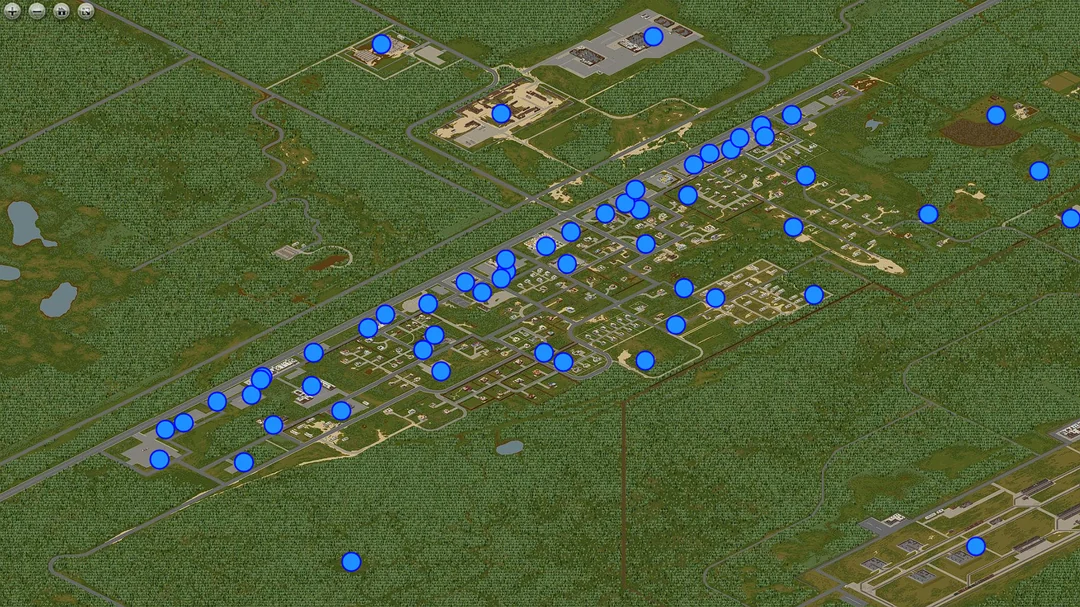
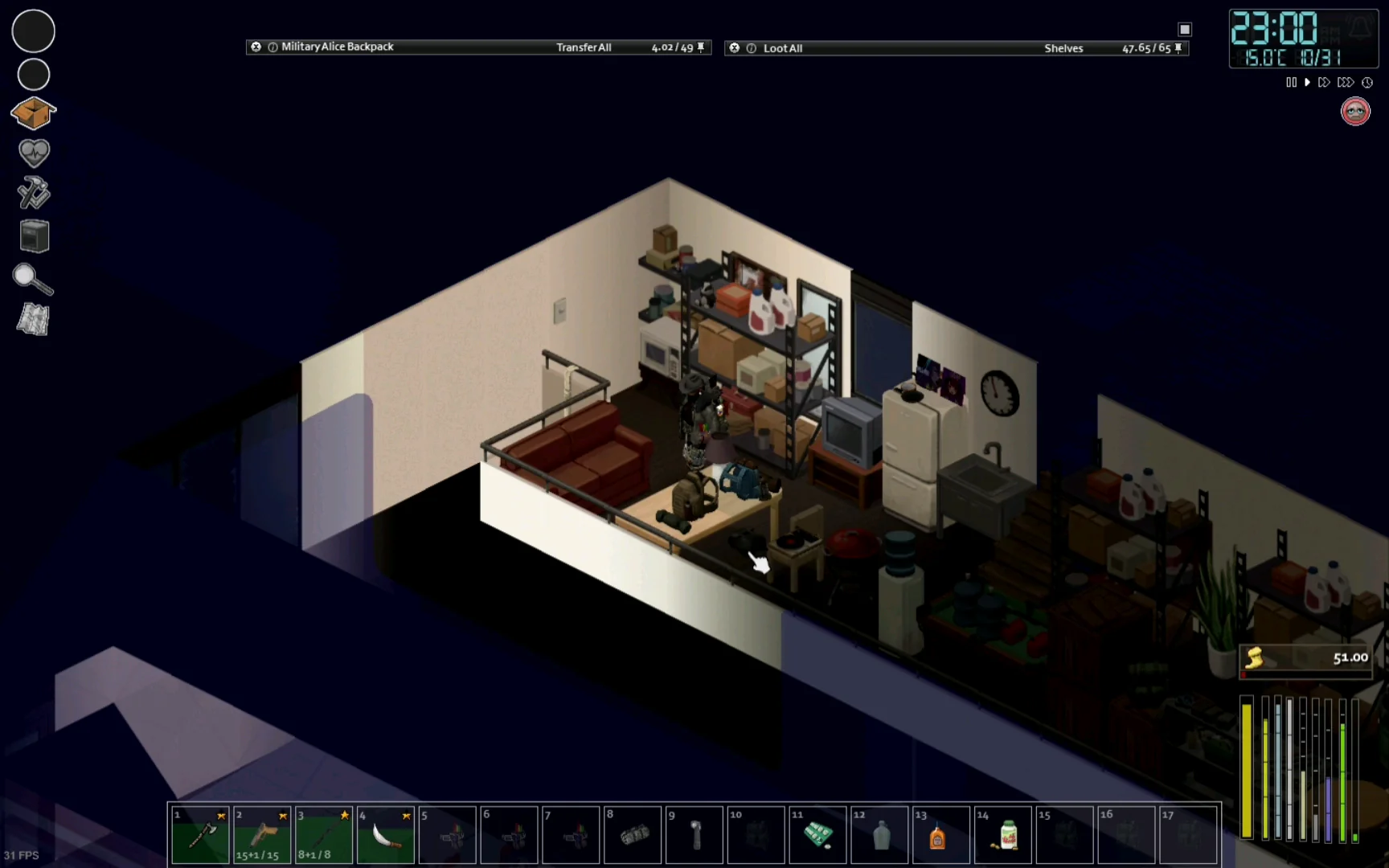
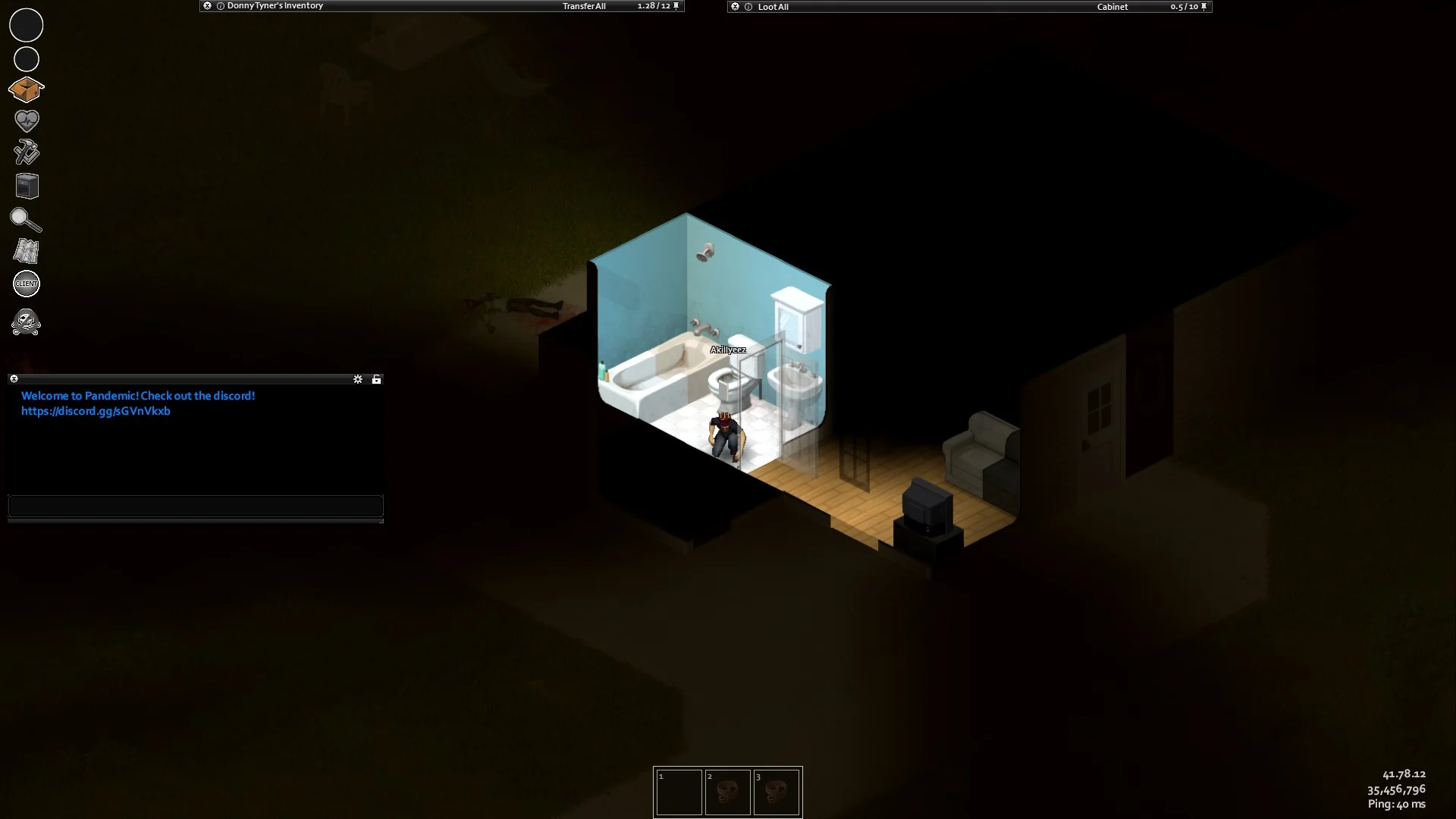
Project Zomboid Steam has become one of the most in-depth and immersive zombie survival games available. Developed by The Indie Stone, this isometric sandbox sim challenges players to endure in a bleak, post-apocalyptic version of Kentucky. What sets the Steam version apart is its powerful ecosystem: modding, multiplayer servers, Steam Workshop support, and thriving community tools.
Whether you’re surviving in West Point or customizing your experience with mods, the Steam Project Zomboid version offers players maximum flexibility, challenge, and community engagement.
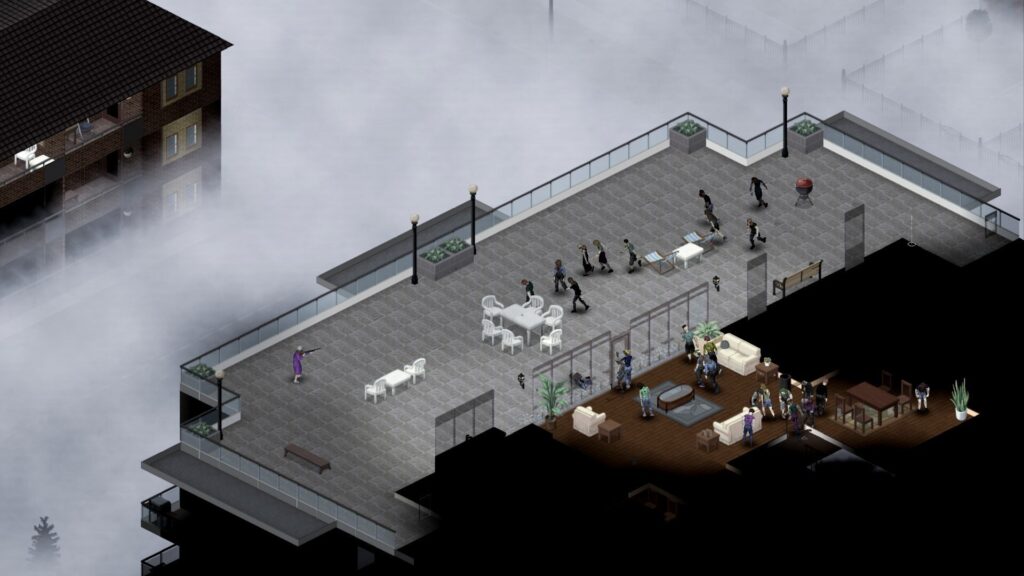
What Is Project Zomboid on Steam?
Launched on Steam Early Access in November 2013, Project Zomboid has steadily evolved through major updates. It tasks players with surviving for as long as possible against zombies, starvation, illness, and isolation.
Steam enhances the experience through:
- Full multiplayer support
- Steam Workshop integration
- Cloud saves and achievement tracking
- Beta access via IWBUMS and Unstable branches
Thanks to the Project Zomboid Steam Workshop, players can easily download and activate mods to enhance or overhaul gameplay.
Why Buy a Project Zomboid Steam Key?
Buying a Project Zomboid Steam key unlocks access to the complete game across Windows, Linux, and macOS. Although keys may appear on third-party sites, it’s crucial to:
- Use authorized sellers to avoid invalid or revoked keys
- Understand that non-official resellers carry risk of no refunds
- Recognize that only Steam versions support Workshop and multiplayer
Many developers discourage unauthorized resellers, as they can compromise access to future updates and online play.
Download Project Zomboid Non Steam: Is It Worth It?
Some users explore ways to download Project Zomboid non Steam, often for DRM-free use or development. While standalone builds or source-based Linux versions may exist for specific use cases, general players will experience limitations:
- No automatic updates
- Manual mod installations required
- Multiplayer compatibility issues
Unless you’re a developer or building a mod from source, Steam remains the most complete and convenient platform.
Playing Project Zomboid on Steam Deck
The game is listed as “Playable” on Steam Deck and runs well under most configurations. However, users have reported that:
- Some public builds may require compatibility tweaks
- Steam Play/Proton settings may need adjustment depending on version
- UI scaling may be necessary due to small text
Steam Deck Features:
- Controller support with custom layouts
- Mod access via Steam Workshop
- Cross-device save sync
- Optional performance settings via compatibility mode
While not fully optimized across all builds, the community has developed workarounds that make the handheld experience highly enjoyable.
Project Zomboid Steam Charts: Why It Keeps Growing
According to Steam Charts and SteamDB, Project Zomboid has seen a major resurgence since the Build 41 overhaul. This includes animations, combat revamps, and revamped multiplayer code.
Current Performance:
- Peaks of up to 30,000–40,000 concurrent players (historical record near 65K)
- Strong daily average of 20,000–30,000 online players
- Regular visibility through Twitch streams and YouTube series
The game’s community-driven development keeps the player base highly engaged.
Exploring the Project Zomboid Steam Workshop
The Steam Workshop Project Zomboid catalog includes thousands of mods ranging from aesthetic improvements to total game conversions.
Popular Mod Categories:
- Maps: Raven Creek, Blackwood, Bedford Falls
- Weapons: Brita’s Weapon Pack
- Vehicles: Filibuster Rhymes’ Used Cars
- UI Enhancements: Minimal Display Bars, Inventory Tweaks
Installing mods is a one-click process via Steam. For multiplayer, ensure mod IDs match server configs (server.ini).
Why ExitLag Enhances Your Zomboid Experience
Multiplayer sessions, especially on modded servers, can suffer from lag, packet loss, or rubberbanding. ExitLag optimizes your connection to keep survival smooth and responsive.
ExitLag Improves:
- Routing optimization for global servers
- Ping reduction and connection stabilization
- Load balancing on NPC-heavy or PvP-intensive servers
Whether hosting your own server or diving into large public lobbies, ExitLag ensures peak performance in the most chaotic scenarios.
Project Zomboid Dedicated Server Setup
Setting up a Project Zomboid multiplayer server on Steam can significantly enhance your survival gameplay. Steam offers easy hosting, but players seeking long-term or custom modded sessions benefit from dedicated servers.
Key Server Setup Methods:
- Steam P2P Host – Launch a game, invite friends through Steam overlay. Best for short, private sessions.
- Dedicated Server Tool – Available in your Steam library under “Tools.” Allows for 24/7 servers, mod integration, and full control.
- Remote Hosting Providers – Third-party services offer hosted Zomboid servers with preset configuration menus.
Server Setup Tips:
- Edit servertest.ini for custom loot, zombie population, PvP rules
- Enable mod sync with correct Workshop IDs
- Open UDP 16261 (main port) and TCP 8766–8767 (Steam communication). Additional UDP ports 16262–16272 may be required for multiple players.
- Backup world saves regularly
For stability, always test mod combinations in singleplayer before adding them to a server.
Optimizing Performance for Heavily Modded Gameplay
Mod-heavy builds can tax even decent PCs. Whether running 50+ Workshop entries or playing on a populated server, here are strategies to maintain performance.
Recommended Game Settings:
- Disable 3D Models (switch to 2D characters)
- Lower Lighting Quality and turn off Zoom
- Use 32-bit mode only for legacy systems with low RAM, as it limits memory usage
- Enable FPS limit (e.g., 60 or 75)
Hardware Tips:
- SSDs reduce load time when transitioning cells
- Allocate additional RAM in JVM flags if using custom launchers
- Close background apps to preserve CPU threads
ExitLag’s Role:
Even in high-performance systems, network inconsistencies cause rubberbanding or desync. ExitLag routes traffic efficiently to reduce such issues, particularly on global modded servers.
Popular Project Zomboid Character Builds (Current Community Meta)
Your build determines survival odds. With the Steam version’s regular balance patches, the meta changes slightly, but here are consistent top performers:
1. Silent Runner (Stealth Focus)
- Occupation: Burglar
- Traits: Keen Hearing, Dextrous, Cat’s Eyes, Inconspicuous
- Weakness: Hemophobic, High Thirst
Why it works: Quick looting, night mobility, minimal zombie attraction.
2. Lumberjack Tank (Combat-Oriented)
- Occupation: Lumberjack
- Traits: Strong, Thick Skinned, Brawler
- Weakness: Smoker, Slow Reader
Why it works: Excellent melee, faster tree clearing for base-building.
3. Fire Officer Speedrunner
- Occupation: Fire Officer
- Traits: Athletic, Brave, Stout
- Weakness: Underweight, Claustrophobic
Why it works: Quick starter with good stamina and panic resistance.
Best Mods for Project Zomboid Steam
Advanced players often enhance challenge with survival-centric mods:
- Hydrocraft – Adds hundreds of crafting recipes
- Brita’s Weapon Pack (Realistic Firearms) – Expands gun variety and realism
- ORGM Rechambered – Overhauls reloading and ammo realism
- True Actions – Adds immersive interactions like lying down or sitting
These mods increase complexity, so prepare for steeper learning curves and longer sessions.
Steam Cloud and Controller Integration
Steam’s cloud integration ensures character saves and mod configs remain accessible across devices. Be aware:
- Save files sync only when launching via Steam
- Cloud can occasionally conflict with manual backups
- Controllers must be remapped for full UI functionality
Popular Community Controller Setups:
- “SteamDeck Enhanced UI” layout
- “Zomboid Precision Aim” by verified community creator
Test multiple configurations for your preferred playstyle, especially on handhelds or big-screen setups.
Troubleshooting Multiplayer Mods
Missing Mods in Multiplayer:
- Check server WorkshopItems and Mods list
- Verify mod order matches between host/client
Black Screens or UI Glitches:
- Reset resolution via options.ini
- Delete Zomboid folder in User/Username/Zomboid (after backup)
Game Won’t Launch:
- Use Steam’s “Verify Integrity of Game Files”
- Roll back to previous stable branch in properties > betas
Community Support and Update Channels
Stay informed about new features, mod compatibility, and beta builds through:
- The Indie Stone Blog (official updates)
- Steam News Hub for patch announcements
- Reddit: r/projectzomboid for community solutions and loadout ideas
- Discord servers for mod troubleshooting and event invites
Mastering Project Zomboid Steam takes more than luck, it requires planning, system tuning, and access to the right mods and builds. From solo stealth runs to 64-player chaos on modded servers, the Steam edition is the ultimate way to experience Zomboid.
Stay sharp, stay silent, and make every day count. For smooth, responsive survival, ExitLag gives you the network edge.
General Disclaimer:
All game images used in this blog belong to The Indie Stone. They are used for informational/educational purposes only and do not imply endorsement or affiliation with the rights holders.
Got questions or want to connect with other players? Join the conversation at the ExitLag Forum!