Learn how to use the Roblox classic clothing finder to locate, save and recreate vintage outfits. Revive classic looks and play lag-free.
Fashion in Roblox has evolved from simple outfits to full-blown trends, and for enthusiasts the Roblox classic clothing finder is a key tool. Players dig into avatar history, hoping to revive iconic looks from early days.
Although Roblox doesn’t officially support viewing old outfits, fan guides and tools help users browse classic clothing combos — and the ExitLag blog’s Roblox Library article offers extra insight into asset discovery.
Understanding how to use those tools gives you access to nostalgia, style inspiration, and a deeper appreciation of the platform’s clothing history.
What Is Considered “Classic Clothing” in Roblox
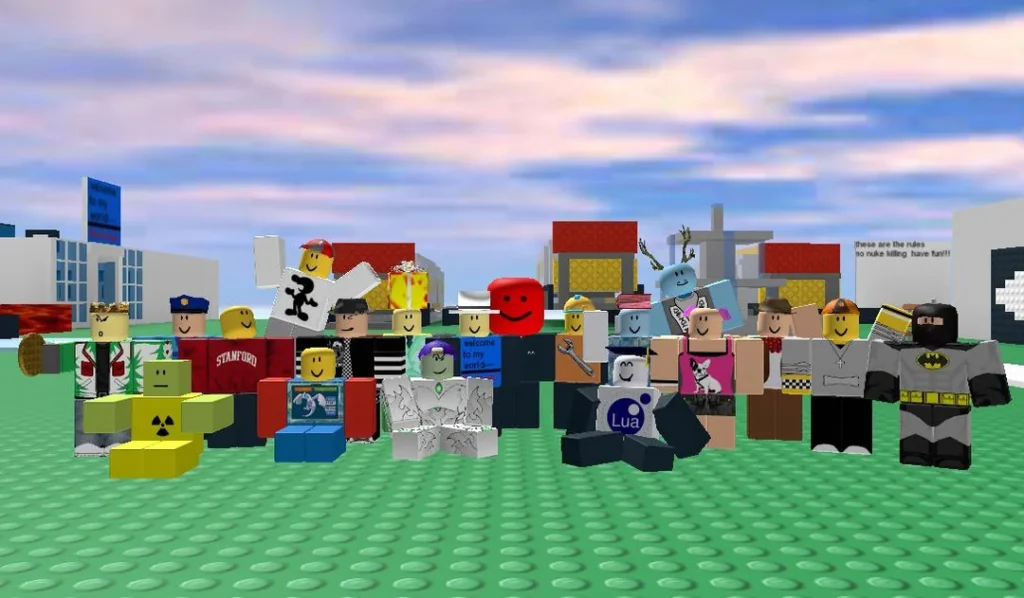
Classic clothing in Roblox refers to the original shirt and pants assets created before layered clothing was introduced.
These items follow the 1.0 or R6 avatar format, keeping the old-school proportions that many players still prefer today. Although newer designs exist, the nostalgic appeal of these early pieces continues to influence fashion inside the platform.
Origins of Classic Outfits
When Roblox’s avatar customization first appeared, clothing was made using flat clothing template Roblox files — basic 2D textures mapped directly onto the body. Over time, those templates defined a generation of creative expression.
Even after modern tools appeared, users kept returning to these designs because they load faster, fit more universally, and retain that pixel-art charm that layered clothing sometimes lacks.
How to Identify a Classic Piece
Recognizing a traditional Roblox clothing item is simple once you know where to look. You can usually spot them by their compatibility with R6 avatars and by the “Classic Shirt” or “Classic Pants” tags on the marketplace.
To confirm authenticity:
- Check if the item was uploaded using the older Roblox clothing template (not layered).
- Look for rectangular design patterns instead of 3D wraps.
- Note the asset ID structure — classic pieces have shorter Roblox clothing ids and were published before layered clothing support began in 2021.
Some users still recreate these iconic assets with tools like Roblox clothing maker platforms or image editors that replicate the original grids.
Others test fits through Roblox clothing tester experiences, which preview how outfits appear on different avatars.
Consequently, even though how to make Roblox clothing now involves layered models, the methods used to create Roblox clothing from templates remain a vital part of Roblox’s fashion culture.
How to Find Classic Clothing from Other Users
Tracking classic outfits through the Roblox classic clothing finder lets you uncover hidden gems in the community. Many players still wear iconic 1.0 designs, and with the right steps, you can easily identify and copy them for inspiration.
Step-by-Step: Discovering Outfits from User Profiles
When exploring other users’ styles, start by visiting their Roblox profiles. Then, follow this simple method:
- Click on the “Inventory” tab.
- Select “Clothing” to filter their wearables.
- Copy the item’s URL or note its Roblox clothing ids for later use.
These IDs can be pasted into your own avatar editor or Roblox Studio to preview how the classic clothing looks on your character. Consequently, this process provides an easy way to replicate favorite outfits without needing third-party scripts or risky tools.
Using Rolimons and Catalog Search
Another way to locate vintage pieces is through Rolimons or the official Roblox Catalog. Both platforms allow sorting by upload date and creator, which helps pinpoint authentic classics.
- Rolimons lists sales data and trends for specific shirts or pants.
- The Roblox Catalog filters assets that match older templates or original designs.
Although manual searching takes time, persistence pays off — especially if you’re rebuilding legacy looks that vanished from the marketplace.
Useful Tools to Explore Clothing in Roblox
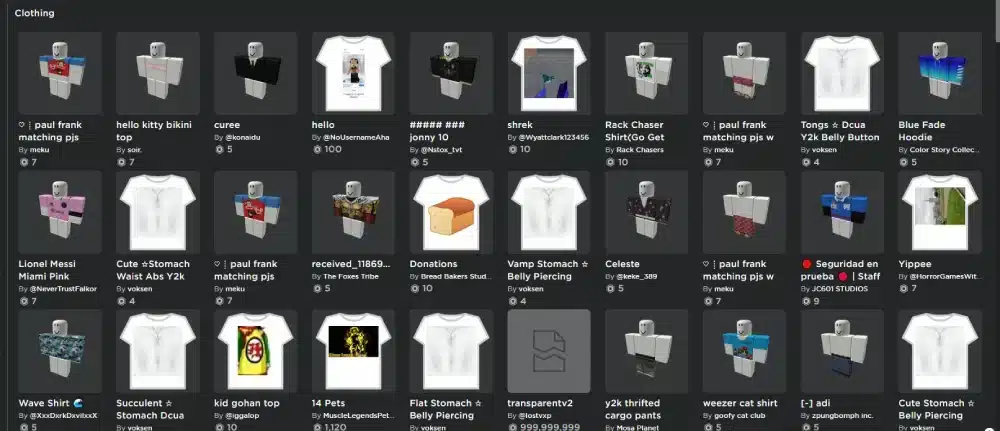
While finding items is the first step, experimenting with them completes the creative process. Several verified tools exist to test, design, and preview outfits safely inside the platform.
Rolimons Catalog and Community Tools
Rolimons provides curated collections, while Roblox community forums share public templates and avatar tips.
These spaces make it easier to exchange classic resources and connect with experienced designers who still use clothing template Roblox formats.
By engaging in those forums, you’ll gain access to reference images, template packs, and shared experiments that keep classic fashion alive.
Platforms to Test and Create Clothing
For testing, Roblox clothing tester experiences let users preview shirts and pants directly on avatars without uploading. They’re ideal for checking proportions and textures.
Meanwhile, creators can rely on Roblox clothing maker tools or built-in editors to design new pieces using the Roblox clothing template model.
This workflow remains essential for anyone learning how to make Roblox clothing or practicing how to create Roblox clothing effectively.
How to Save and Reuse Clothing from Other Users
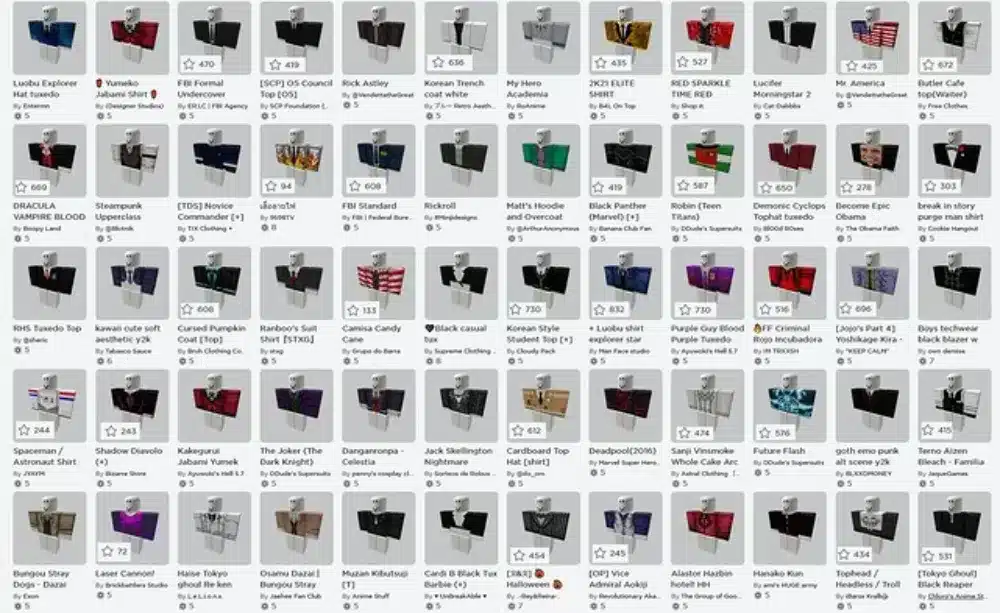
Preserving favorite styles inside Roblox is simple once you know the tricks. By reusing IDs and saving outfits correctly, players keep access to designs that might later disappear from the marketplace.
Copy and Apply Roblox Clothing IDs
The easiest method involves collecting and reusing Roblox clothing ids from other users. When viewing an outfit, copy the numeric code at the end of the clothing item’s URL. Then, paste it into your avatar editor under the appropriate clothing type.
- Shirts and pants each use different IDs.
- Make sure the item is still public before applying.
Through this technique, players safely replicate classic looks without re-uploading or violating content rules.
Using Roblox Studio to Test Saved Outfits
Another way to preserve clothing is testing it through Roblox Studio. This tool allows you to load avatars, attach Roblox clothing items, and preview them in 3D environments.
By importing the asset’s ID into Studio, you can experiment with combinations before adding them to your official avatar. Consequently, Studio functions as a private Roblox clothing tester, ensuring each outfit fits perfectly before saving.
Pro Tips to Keep Favorite Outfits Organized
Saving designs efficiently avoids confusion later. Many creators follow the same structure to archive their wardrobe:
- Maintain a document or spreadsheet listing item names, creators, and Roblox clothing template IDs.
- Capture screenshots of your best outfits for quick visual reference.
- Group items by style or release year to track trends.
If you enjoy designing, using a Roblox clothing maker based on clothing template Roblox files can help rebuild classic looks.
Even as you learn how to make Roblox clothing or explore how to create Roblox clothing, these methods ensure your favorite pieces remain preserved for future inspiration.
FAQ — Frequently Asked Questions
Finding, saving, and recreating vintage outfits in Roblox often raises doubts among players.
Below you’ll find clear answers to the most common questions about exploring, tracking, and preserving classic designs safely.
Visit the user’s profile and open their Clothing tab. Then, check public items such as Classic Shirts or Classic Pants and copy their Roblox clothing ids directly from the URL.
If you prefer organized searches, use Rolimons or the official Roblox Catalog to filter results by date and spot older uploads.
There’s no official tracker, but third-party outfit archives exist. These fansites display snapshots of user wardrobes over time, though they should always be used with caution.
For accuracy and security, rely instead on built-in features like inventory viewing or on Roblox Studio, where you can manually rebuild older styles.
The Roblox classic clothing finder remains the most reliable approach to identify legacy items quickly. It compiles classic shirts, pants, and outfit links that fit the R6 avatar style.
Rolimons also functions as a secondary directory, showing pricing data, ownership, and popularity trends for verified classic assets.
Yes — as long as the item is publicly available and not copied from another user’s upload. To reuse it, paste its Roblox clothing ids into your avatar editor or import them into Roblox Studio.
Creators using Roblox clothing maker templates can further personalize designs while keeping the spirit of classic fashion alive.
Open the item’s page and look at the URL; the numbers after “id=” represent the unique Roblox clothing ids.
Alternatively, hover over your equipped item in the Avatar Editor and click “View Details” to locate its corresponding asset link directly on the Roblox site.
Keep Your Style Sharp and Your Gameplay Smooth
Classic fashion never truly fades — especially in Roblox, where creativity thrives through every pixel of your avatar.
Whether you’re revisiting nostalgic outfits or exploring modern templates, understanding how to track and reuse these assets keeps your wardrobe limitless.
Even when loading detailed avatars or browsing the catalog, performance can slow down due to crowded servers. That’s where ExitLag steps in, optimizing routes to Roblox servers, reducing ping spikes, and ensuring every outfit loads instantly and flawlessly.
So, if you want to explore, create, and customize freely while keeping gameplay perfectly smooth, enhance your sessions by mastering the Roblox classic clothing finder.
Improve your Roblox experience with ExitLag
Got questions or want to connect with other players? Join the conversation at the ExitLag Forum!