Blizzard's Overwatch Minimum Requirements are friendly on paper. An Intel Core i3, a GTX 600 series card and 6 GB of memory will get you into a match.
Getting into a match and holding 144 FPS during a five-player team fight on Junkertown are two different things, though. That gap is where most players get confused about the Overwatch Minimum Requirements, and it's what we're covering here, with numbers taken straight from Blizzard's own spec sheet.
Short answer: to launch Overwatch on PC you need Windows 10 64-bit, an Intel Core i3 or AMD Phenom X3 8650, an NVIDIA GeForce GTX 600 series or AMD Radeon HD 7000 series GPU, 6 GB of RAM and 50 GB of free storage. The Overwatch Minimum Requirements get you roughly playable frames at low settings. For a smooth competitive experience, aim for the recommended tier: Intel Core i7 or Ryzen 5, a GTX 1060 class card and 8 GB of RAM.
Overwatch Minimum Requirements On PC Right Now
The game dropped the "2" from its name and is now just Overwatch, currently running Season 5 of the Reign of Talon arc. Its hardware sheet didn't change with the rebrand, and Steam and Battle.net list the same specs.
Here are the Overwatch Minimum Requirements Blizzard publishes for Windows:
- Operating system: Windows 10 64-bit with the latest service pack
- Processor: Intel Core i3 or AMD Phenom X3 8650
- Graphics: NVIDIA GeForce GTX 600 series or AMD Radeon HD 7000 series
- Memory: 6 GB RAM
- Storage: 50 GB available space
- DirectX: version 11
- Network: broadband internet connection
- Display: 1024 x 768 minimum resolution
What The Minimum Tier Feels Like In A Real Match
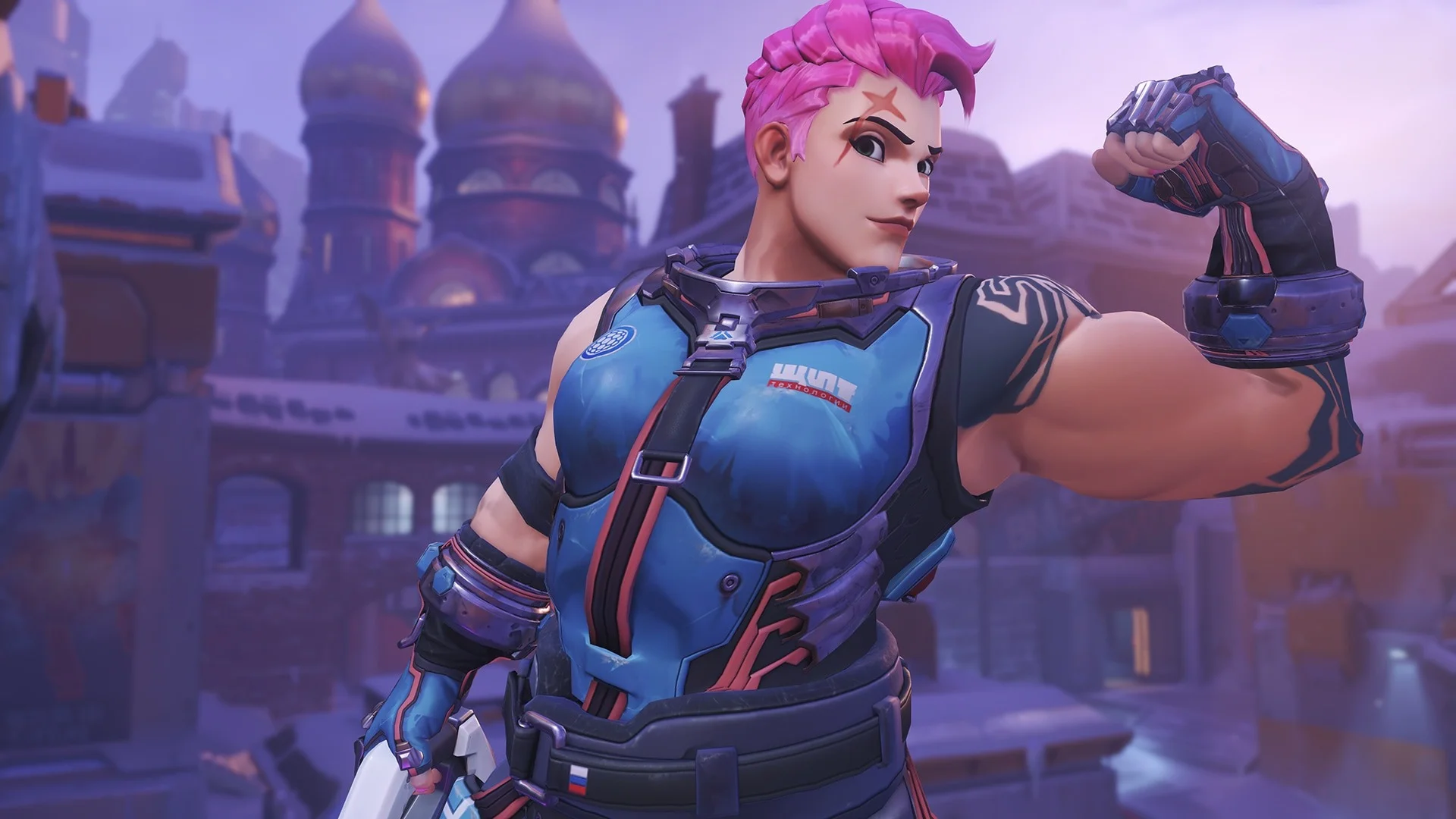
On a GTX 650 class card you're looking at low settings, a reduced render scale and frame rates that sit around 60 in quiet moments. Then Zarya's Graviton Surge lands on the point and everything dips.
That is fine for Quick Play, which is what the Overwatch Minimum Requirements are built around. In ranked, those dips cost you tracking shots, so treat the minimum tier as a starting line and nothing more.
Overwatch Recommended Specs For Smooth Play
The Overwatch Recommended Specs are where the game starts to feel like a shooter built for high refresh monitors:
- Processor: Intel Core i7 or AMD Ryzen 5
- Graphics: NVIDIA GeForce GTX 1060 or GTX 1650, AMD R9 380 or RX 6400, or Intel Arc A770
- Memory: 8 GB RAM
- Same Windows 10 64-bit, DirectX 11 and 50 GB storage as the minimum tier
Blizzard keeps a full supported video card list on its official Overwatch system requirements page on Blizzard Support, which is worth checking if you run an older laptop GPU or an integrated chip.
Overwatch PC Requirements Compared: Minimum, Recommended And Competitive
The official sheet stops at "recommended". Plenty of players want 144 Hz or 240 Hz, though, and that needs a third tier Blizzard doesn't spell out.
Our competitive column is a target based on how the engine scales, not an official Blizzard tier.
| Component | Minimum | Recommended | Competitive Target (Our Pick) |
|---|---|---|---|
| CPU | Intel Core i3 / AMD Phenom X3 8650 | Intel Core i7 / AMD Ryzen 5 | Modern 6-core with strong single-thread speed |
| GPU | GTX 600 series / Radeon HD 7000 | GTX 1060, GTX 1650, RX 6400, Arc A770 | RTX 3060 class or better |
| RAM | 6 GB | 8 GB | 16 GB dual channel |
| Storage | 50 GB | 50 GB | 50 GB on an SSD |
| Realistic Result | 60 FPS, low settings | 60 to 144 FPS, medium/high | 240 FPS on low competitive settings |
How To Read The Overwatch PC Requirements
The Overwatch PC Requirements list brand families, not exact chips. "Intel Core i3" covers about a decade of processors, and a recent i3 beats an old i7 in this game.
So when you check a chip against the Overwatch Minimum Requirements, compare by generation and benchmark. A 12th gen i3 is a stronger Overwatch chip than a 4th gen i7.
Requirements For Overwatch PC Builds On A Budget
If you're shopping around the Requirements For Overwatch PC on a tight budget, spend this way:
- Get a CPU with fast single cores first, since frame pacing at high FPS depends on it.
- Buy 16 GB of RAM in two sticks so it runs in dual channel.
- Pick a GPU around the GTX 1660 or RX 6600 level, which clears the recommended tier with room left.
- Put the game on an SSD. It isn't required, but map loads and hero select get noticeably shorter.
We'd skip spending extra on a top-tier GPU for an Overwatch-only build. That money goes further on the processor and a 165 Hz monitor.
Is Overwatch A CPU Or GPU Game?
Is Overwatch A CPU Or GPU Game? Both, but it depends on your settings. At 1440p with ultra settings, the graphics card is usually the bottleneck. Drop to 1080p on low with the frame cap raised, and the processor takes over.
Meeting the Overwatch Minimum Requirements on the GPU side is easy. Most competitive players run low settings for visibility and maximum FPS, which means the CPU decides how high you go. That's why a strong GPU paired with a weak quad-core often disappoints.
Signs Your CPU Is The Bottleneck
Watch for these patterns:
- GPU usage sits well under 90% while FPS still drops in fights
- Lowering graphics settings changes almost nothing
- FPS tanks during big ability spam, like Junkrat spam or a Kiriko Kitsune Rush
- One CPU core sits near 100% in Task Manager while the others idle
Lots of threads on the official Blizzard forums describe this exact pattern: high-end GPU, low usage numbers on both parts, and frame drops anyway. In those cases the fix is usually single-core speed, background apps or power plan settings, not a new graphics card.
Signs Your GPU Is The Bottleneck
The opposite happens when GPU usage is pinned at 97 to 99% and dropping render scale from 100% to 75% gives you a big FPS jump.
If that's you, our guide to boosting FPS in Overwatch walks through which video settings cost the most frames.
RAM Overwatch Needs And Other Hardware Requirements For Overwatch
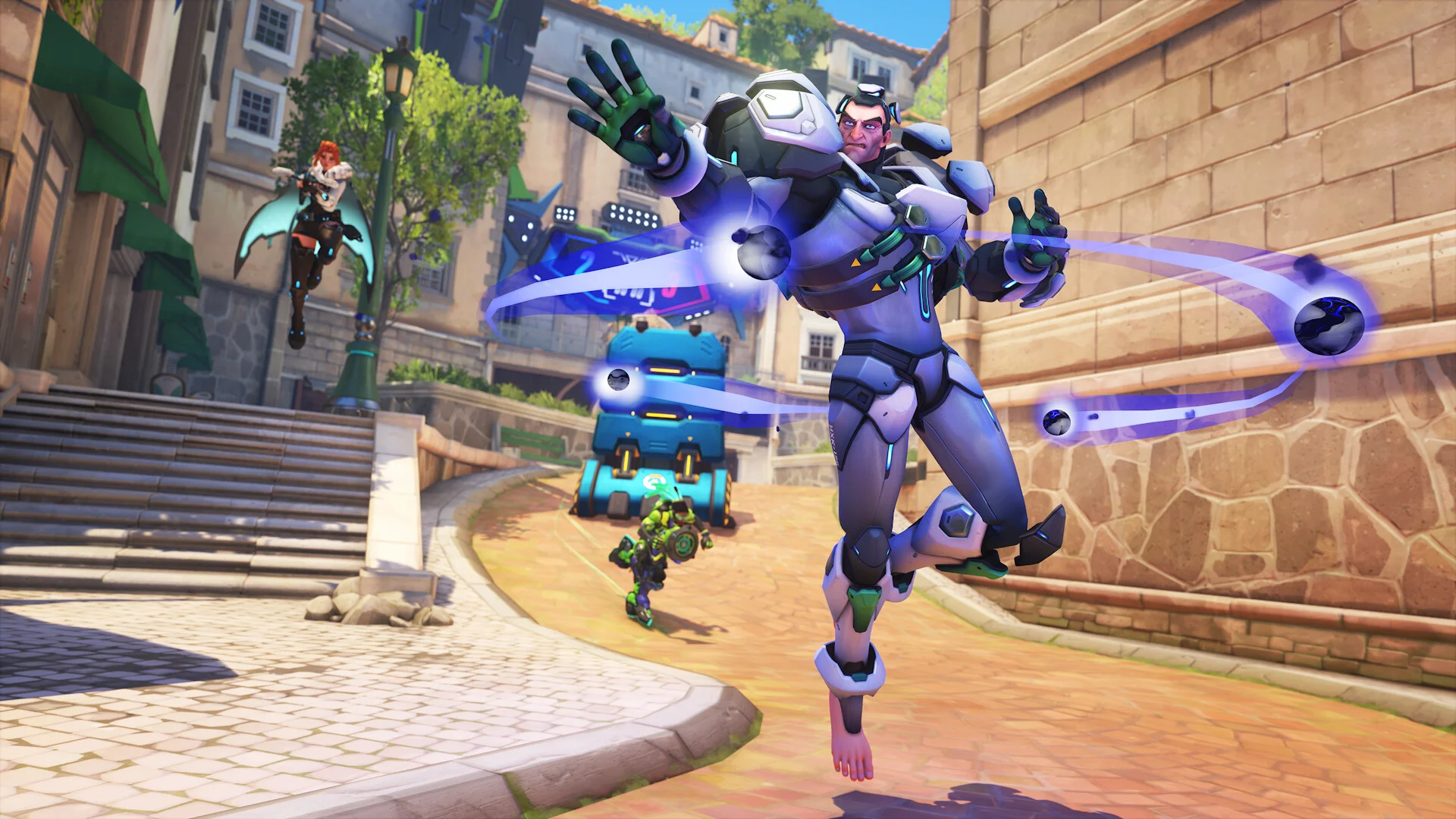
RAM Overwatch asks for is 6 GB in the Overwatch Minimum Requirements and 8 GB recommended. Those numbers assume the game is mostly alone on the system, which almost nobody's PC is.
Discord, a browser with a stream open and the Battle.net client together can eat 3 to 4 GB. On an 8 GB machine that leaves the game squeezed, and you feel it as stutter.
How Much RAM Should You Actually Have?
Our take on the RAM Overwatch setups need:
- 8 GB: works if you close everything else before queueing
- 16 GB: the comfortable number for gaming with Discord and a browser open
Dual channel matters as much as size here. A single 16 GB stick often performs worse than two 8 GB sticks in CPU-limited games like this one.
Storage, Display And Other Hardware Requirements For Overwatch
The rest of the Hardware Requirements For Overwatch are less demanding, but a few details catch people out:
- The 50 GB figure grows with seasonal patches, so leave extra free space
- A hard drive works, but slow loads can leave you staring at hero select after teammates are ready
- The 1024 x 768 minimum resolution is a floor, not a recommendation
- Integrated graphics on older laptops often fall below the minimum tier, so check Blizzard's supported card list first
Overwatch Hardware Requirements For Laptops And Consoles
Laptops are where the Overwatch Hardware Requirements get tricky. A laptop GTX 1650 runs slower than the desktop version, and thermal throttling makes it worse in longer sessions.
Plug the laptop in, set Windows to a high-performance power mode and keep it on a hard surface.
Can A Laptop Meet The Overwatch PC Specs?
Most gaming laptops sold in recent years clear the recommended Overwatch PC Specs. Thin office laptops with integrated graphics are the risk.
Check these before buying:
- Look up the exact GPU model, not just the family name.
- Confirm whether the laptop has 8 GB of RAM soldered or upgradable slots.
- Read reviews for thermal throttling under sustained load.
Console Players Don't Need To Worry About Specs
Overwatch runs on PlayStation 5, Xbox Series X|S, Nintendo Switch and Switch 2 with no hardware tuning needed. PC remains the only platform where the Overwatch Game Requirements decide your experience.
On PC you can also push well past 120 FPS, a real edge on hitscan heroes like Cassidy or Widowmaker.
How To Get More From The Overwatch Minimum Specs
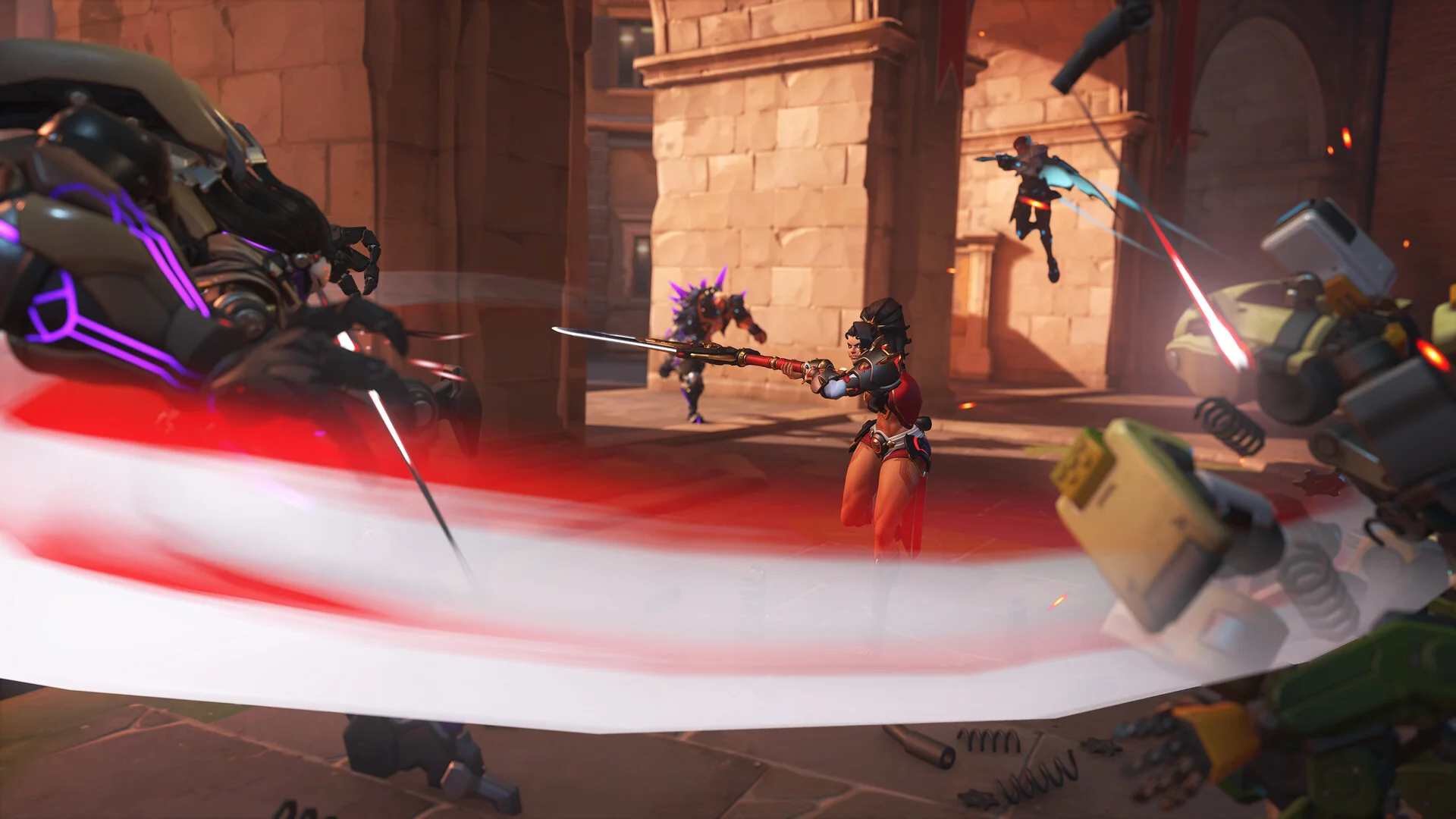
If your PC sits right at the Overwatch Minimum Specs (the same thing as the Overwatch Minimum Requirements), settings make a bigger difference than any single upgrade. These changes cost nothing.
Pro Tips: Getting Smooth Frames On Weak Hardware
- Lower render scale before texture quality: Render scale has the biggest single impact on GPU load, while textures mostly use VRAM. Drop it to 75% on old cards and leave textures on medium if you have the memory.
- Turn on NVIDIA Reflex or Reduce Buffering: Both cut input delay, and on CPU-limited systems you'll feel the difference in aim more than you'll see it in the FPS counter.
- Cap FPS a little above your monitor refresh: An uncapped frame rate makes the CPU run hot and inconsistent. A cap of 160 on a 144 Hz screen keeps frame times steady.
- Turn on Display Performance Stats: The in-game overlay shows FPS, latency and packet loss, so you can tell whether a stutter is your hardware or your connection.
- Close the browser before ranked: Chromium browsers hold a lot of RAM even in the background, which is the exact memory an 8 GB system needs.
Common Mistakes Overwatch PC Players Make
- Buying a big GPU for a CPU-limited game: Players upgrade to a high-end card and see little gain on low settings. Fix: check GPU usage first. If it's under 90%, put the budget toward the processor.
- Running RAM in single channel: One stick halves memory bandwidth. Fix: use two matched sticks in the slots your motherboard manual marks for dual channel.
- Blaming hardware for network stutter: Rubber-banding and teleporting enemies look like FPS problems but aren't. Fix: check the latency graph with Ctrl+Shift+N and read our breakdown of Overwatch high ping.
- Leaving laptop power on balanced mode: The CPU clocks down mid-fight. Fix: switch to the high-performance power plan before queueing.
When frames keep falling after you've applied all of this, our guide to FPS drops in Overwatch goes through driver, shader cache and Windows fixes in detail.
Why A Good PC Still Lags: Overwatch System Requirement Beyond Hardware
Even a PC that crushes the Overwatch Minimum Requirements and every Overwatch System Requirement can feel bad when the connection is unstable. Blizzard lists "broadband internet" and nothing else, which tells you little about routing.
Overwatch runs on a 64 tick rate server model, so missed packets show up as shots that don't register and enemies snapping around corners.
What Actually Causes The Lag
The most common culprits, in rough order:
- Your ISP's route to the Blizzard data center taking an indirect path
- Wi-Fi interference during busy hours
- Packet loss at a congested hop between you and the server
If you see red packet loss numbers in the performance overlay, our guide to fixing packet loss in Overwatch covers router and cable checks first.
How ExitLag Helps Overwatch Players
Hardware fixes frames. Routing fixes ping, and that's where ExitLag fits. It's a connection optimizer that tests multiple network paths to Blizzard's servers in real time and sends your traffic through the fastest stable one.
What it does for Overwatch players:
- Real-time Optimization cuts delay and packet loss on the route to your server region
- Multipath Technology sends packets through more than one route at once, so a single bad hop doesn't cost you a team fight
- PC Boost clears RAM and background processes, which is useful on 8 GB machines near the minimum tier
- Traffic Shaper limits bandwidth for other apps while you play
It isn't a VPN, doesn't touch game files and doesn't interact with anti-cheat. ExitLag supports 4,000+ games with 1,500+ servers in 190+ countries. If ping spikes are ruining your ranked games, grab the ExitLag Download and test it on your usual server region.
Overwatch Minimum Requirements: Final Checklist
Before you settle on your hardware, run through this list one more time.
Quick Check Before You Install
- Windows 10 64-bit or newer is installed and updated.
- The CPU is at least an Intel Core i3 or AMD Phenom X3 8650.
- Your GPU is a GTX 600 series, Radeon HD 7000 series or newer.
- You have at least 6 GB of RAM, ideally 16 GB in dual channel.
- There's 50 GB of free space plus room for patches.
Which Tier Should You Aim For?
It depends on how you play. Casual players can live with the Overwatch Minimum Requirements, while ranked players should aim for the recommended column or the competitive target in our table.
Remember the Graviton Surge example from earlier: the minimum tier holds up until the busiest fights, then it falls apart. The Overwatch Minimum Requirements get you in the game, and the recommended tier keeps you competitive once those fights start.
All game images used in this blog post belong to Blizzard Entertainment. They are used for informational and educational purposes only and do not imply endorsement or affiliation with the rights holders.