Minecraft AI has officially entered the game universe, transforming simple mob behavior into complex systems capable of generating worlds. First of all, artificial intelligence now creates stories, builds structures, and interacts with players in unprecedented ways.
Whether you’re exploring AI-generated landscapes or experimenting with intelligent NPCs, understanding Minecraft AIbecomes essential for modern gameplay. However, many players experience lag issues when running heavy AI mods that can interrupt the experience.
What is Minecraft AI exactly? This technology refers to artificial intelligence systems that enhance gameplay through advanced pathfinding, world generation, machine learning, and autonomous NPC behavior far beyond vanilla mechanics.
What Are the Main Types of Minecraft AI Systems?
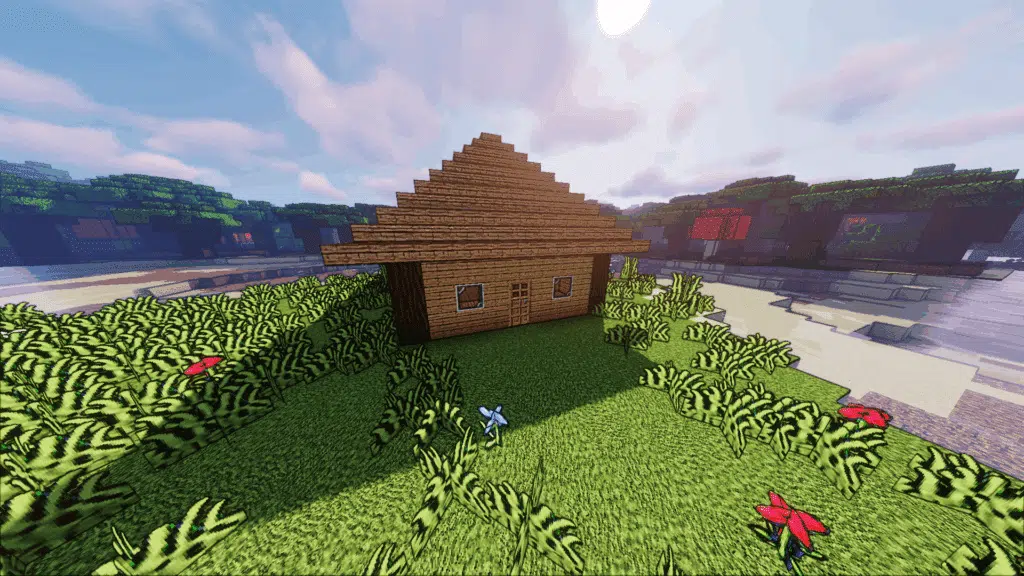
Minecraft artificial intelligence encompasses various technologies transforming how players experience the game. In other words, these systems range from simple improvements to complete gameplay overhauls.
AI Categories and Functions
Above all, understanding different AI types helps players choose appropriate mods for their needs. Therefore, here’s a comprehensive breakdown of available systems.
Primary AI categories:
- AI NPCs with advanced pathfinding and decision-making
- AI-generated terrain and structures
- AI companions and intelligent enemies
- Machine learning systems creating custom biomes
- Autonomous Minecraft bot helpers for automation
How AI Changes Traditional Gameplay
Similarly, AI transforms core Minecraft mechanics dramatically. Consequently, exploration, building, and combat become entirely different experiences.
Exploration changes:
- AI biomes update and shift based on rules
- Worlds feel alive and reactive
- Structures generate procedurally
Building changes:
- AI builders replace walls automatically
- NPCs harvest materials independently
- Towns expand without player intervention
Combat changes:
- Enemies dodge shots strategically
- Mobs retreat at low health
- AI calls reinforcements during battles
Learn more about the complete Minecraft game experience and its evolution with AI technology.
How Does AI in Minecraft Actually Work?
AI in Minecraft systems vary depending on the mod, datapack, or generation tool used. At the same time, understanding these mechanics helps appreciate their complexity.
Pathfinding and Navigation Logic
Firstly, modern AI mods use advanced algorithms for intelligent movement. Consequently, NPCs navigate complex terrain seamlessly.
Navigation algorithms include:
- A* (A-star) pathfinding systems
- Dijkstra navigation meshes
- Reinforcement logic for movement prediction
- Terrain analysis for obstacle avoidance
AI entities can now:
- Navigate cliffs and uneven terrain effectively
- Build bridges over gaps automatically
- Avoid water or hazards intelligently
- Choose optimal combat routes strategically
Neural Network Decision-Making
Furthermore, some experimental mods use Minecraft machine learning datasets to train mobs. As a result, NPCs learn and adapt to player behavior over time.
Machine learning capabilities:
- Learning player movement patterns
- Predicting player actions accurately
- Adapting farming strategies autonomously
- Improving combat efficiency continuously
For optimal mod performance, discover how to boost your FPS in Minecraft.
What Are the Best Minecraft AI Mods Available?
The Minecraft artificial intelligence mod community offers numerous options for different playstyles. In that regard, each mod provides unique gameplay transformations.
Top AI Mods Explained
Be that as it may, certain mods stand out for their advanced AI implementations. Therefore, here are the most popular choices available.
MineColonies (NPC Civilization):
- NPCs build entire cities autonomously
- Profession leveling systems
- Town hall governance mechanics
- Combat squad coordination
TekTopia (Villager Overhaul):
- Transforms villagers into builders, farmers, miners
- Advanced schedules and job selection
- Memory systems for past interactions
- Smart resource management
MCA Reborn (Human NPCs):
- Personality profiles for each NPC
- Marriage and family systems
- Combat and farming AI
- Natural communication responses
Automaton AI Agents:
- Robot-like agents for automation
- Automatic mining operations
- Autonomous farming systems
- Resource transportation between bases
| Mod | Primary Function | Difficulty |
| MineColonies | NPC Civilization | Medium |
| TekTopia | Villager Overhaul | Medium |
| MCA Reborn | Human NPCs | Easy |
| Automaton Agents | Automation | Hard |
Enhance your gameplay with the best Minecraft mods available today.
What Is Oasis AI Minecraft Experience?
The Oasis AI in Minecraft represents one of the most advanced implementations available. Just like that, this experience creates massive AI-generated open worlds.
Unique Oasis Features
Primarily, Oasis AI includes revolutionary world generation systems. Simultaneously, intelligent wildlife and NPC factions adapt to player actions dynamically.
Oasis AI characteristics:
- Massive AI-generated open landscapes
- Realistic vegetation growth patterns
- Intelligent wildlife behavior
- NPC factions responding to player decisions
- Climate variables affecting gameplay
Player Influence on Oasis Worlds
On the other hand, your actions directly impact the AI-generated environment. Consequently, choices create lasting consequences throughout the world.
Player actions may:
- Shift biome borders permanently
- Trigger faction wars between NPCs
- Change climate variables over time
- Affect resource distribution globally
How to Install and Play Minecraft AI Mods?
If you’re searching how to play Minecraft AI content, the process requires specific preparation. Therefore, follow these steps for successful installation.
Installation Process
According to experienced modders, proper setup prevents most technical issues. Furthermore, clean installations provide better performance.
Step-by-step guide:
- Choose your mod loader (Forge, Fabric, or NeoForge)
- Create a fresh Minecraft profile
- Download mods from trusted sources (CurseForge, Modrinth)
- Install required dependencies (GeckoLib, Cloth Config)
- Configure world settings for AI performance
- Launch and test AI behavior
System Requirements for AI Mods
At the same time, AI mods require significant system resources. Consequently, proper hardware ensures smooth gameplay.
Minimum recommended specs:
- 16 GB RAM for stable AI processing
- Strong CPU with high single-core speed
- SSD recommended for AI world generation
- Modern GPU for rendering AI terrain
Learn how to download and play Minecraft on PC before installing complex AI mods.
How Does ExitLag Improve AI Minecraft Performance?
AI simulations demand stable network connections, especially in multiplayer environments. In the meantime, Minecraft bot systems and AI mods increase server traffic significantly.
ExitLag Benefits for AI Worlds
Similarly, ExitLag optimizes connections for demanding AI experiences. Therefore, players enjoy smoother gameplay during complex calculations.
ExitLag advantages:
- Eliminates packet loss in multiplayer AI experiments
- Stabilizes ping during heavy AI calculations
- Prevents jitter while loading AI-generated terrain
- Ensures reliable performance in modded servers
Best Use Cases for ExitLag
Furthermore, certain AI scenarios benefit most from connection optimization. Consequently, these situations require ExitLag activation.
Recommended scenarios:
- AI SMP worlds with multiple players
- Multiplayer Oasis AI maps
- AI-driven roleplay servers
- Co-op AI dungeon challenges
How to Set Up ExitLag
The setup process remains straightforward for Minecraft players. Additionally, optimization begins immediately after configuration.
Setup steps:
- Create your ExitLag account
- Download and install ExitLag
- Select Minecraft and apply optimized routes
- Enjoy stable AI gameplay with ExitLag ON
Note: ExitLag does not enhance offline gameplay and is not available for consoles.
How to Optimize Performance for AI Mods?
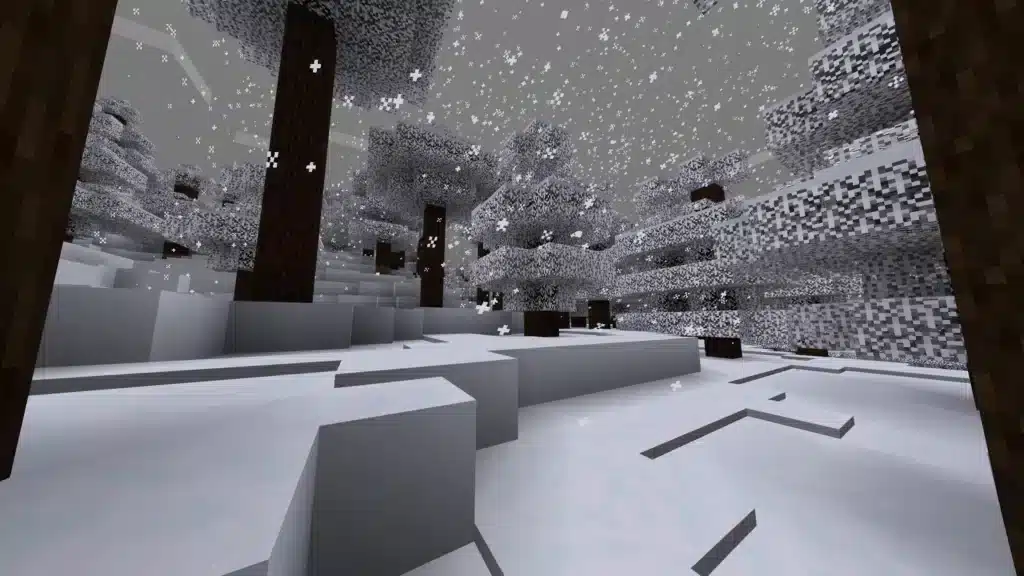
Minecraft machine learning and AI systems require careful performance optimization. As a result, proper settings prevent crashes and stuttering.
Best Practices Before Using AI
Even so, preparation ensures smooth AI experiences. Therefore, follow these optimization steps carefully.
Performance checklist:
- Allocate 6-8 GB RAM minimum
- Use Sodium or Embeddium for FPS optimization
- Install FerriteCore for memory reduction
- Add Lithium for AI entity tick optimization
- Lower render distance during AI generation
- Avoid incompatible mod combinations
Settings to Adjust
Additionally, specific configurations improve AI performance dramatically. Consequently, adjust these options before launching AI worlds.
Recommended adjustments:
- Lower simulation distance
- Reduce particle count
- Cap entities per chunk
- Disable unnecessary visual effects
FAQ: Minecraft AI Questions Answered
Common questions about Minecraft AI deserve clear and direct answers for players. Therefore, this section addresses the most frequent queries from the community.
Minecraft artificial intelligence enhances gameplay through intelligent NPCs, procedural world generation, autonomous building, and adaptive combat systems.
Yes, when downloaded from trusted sources like CurseForge or Modrinth, AI in Minecraft mods are safe and regularly updated.
Most Minecraft bot and AI mods function in multiplayer, though all players typically need the same mods installed.
Minecraft machine learning mods require 16 GB RAM, strong CPU, SSD storage, and modern GPU for optimal performance.
Yes, complex AI calculations may cause lag without proper optimization, making tools like ExitLag essential for multiplayer.
Why Minecraft AI Represents the Future of Gaming
From dynamic ecosystems to intelligent NPC civilizations, Minecraft artificial intelligence transforms the sandbox into a living world. In conclusion, AI systems redefine what’s possible inside Minecraft completely.
Whether experimenting with small AI mobs or creating entire Oasis ecosystems, these tools revolutionize gameplay experiences. For official game updates and news, visit the official Minecraft website.
Finally, combining Minecraft AI mods with ExitLag ensures smooth, responsive gameplay even during the most demanding AI calculations and multiplayer sessions.
Got questions or want to connect with other players? Join the conversation at the ExitLag Forum!